The ScreenFast alternative for hands-on App Store screenshots
ScreenFast is an AI generator that turns your App Store listing into ten finished iPhone screenshot designs in one run. If you would rather design each screenshot yourself, with a real 3D device, iPad and Google Play sizes and no subscription, Ecranify is the ScreenFast alternative to try: a 3D editor in the browser, free to build in.
The best ScreenFast alternative depends on how much of the design you want to hand over. If you want an AI to read your listing and propose finished directions with headlines in a few clicks, ScreenFast is built for exactly that, and Ecranify is not an AI generator. If you want to place the device, the camera and the light yourself, and export iPhone, iPad and Google Play sizes from one project, Ecranify is the better fit.
ScreenFast works from a public App Store URL, from which it pulls your icon, description, existing screenshots and category, or from uploaded screenshots plus a short description for apps that are not live yet. Each run generates 10 design directions with app-specific headlines, layouts, backgrounds and device frames, and you refine the one you pick with AI credits. The output is a set of 1290 × 2796 PNG files for the large iPhone screenshot slot; ScreenFast’s own FAQ says it does not claim native iPad or Android output in the base run.
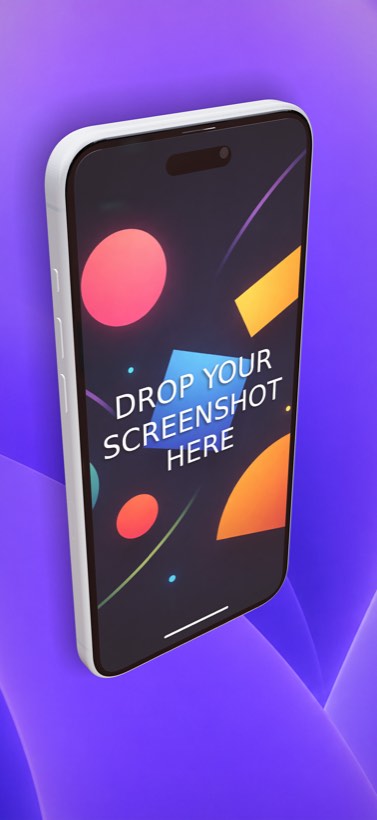
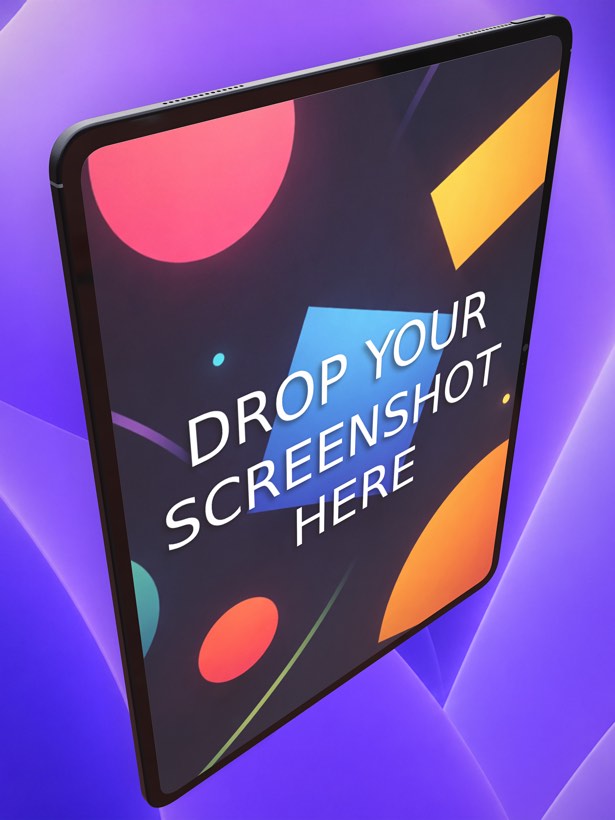
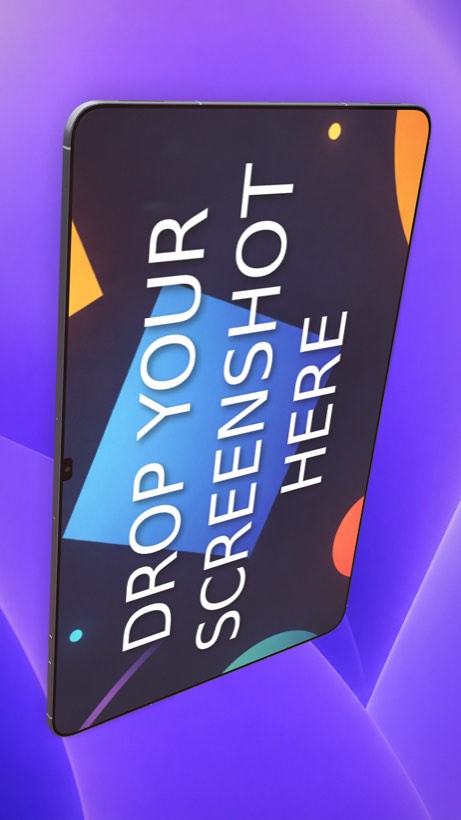
Ecranify starts from the device instead. Each phone or tablet is a parametric 3D model placed in a scene. In the free Ecranify editor you can start without an account, drop in a screen image, orbit the camera and set a background. After signing in, the full editor (also free) adds device rotation, adjustable lights with soft shadows, camera presets and 2D or 3D headlines. You pay only when you export finished images.
This comparison aims to be fair: ScreenFast is a quick way to get a first set, and for an iPhone-only app with no designer it may be all you need. Its features and prices below come from ScreenFast’s own website, checked in October 2026, and can change. If the AI-written headlines are what attracts you, our App Store screenshot best practices show how to write and test captions in any tool.
Comparing other generators too? Our AppScreens alternative comparison covers a template tool with AI translation and direct upload to the stores.
What ScreenFast is genuinely good at
- Speed from a live listing: paste your App Store URL and it reads the icon, description, existing screenshots and category, so there is nothing to prepare.
- Ten finished design directions per run, each with its own headlines, layout, background and device framing. That is useful when you have no designer and no clear idea where to start.
- A free audit of your current screenshots (story, visual hierarchy, readability and positioning), shown before you pay anything.
- A pre-launch path: upload screenshots and a short description if the app is not on the App Store yet.
- A low entry price: $9.99 one-time per app for 10 designs and 10 AI retouch credits, with no subscription. Monthly plans add more designs, extra screens and localization images.
Where Ecranify is different
- You design the shot: rotate the device freely, move the camera, and set the lighting and shadows for every screenshot, instead of picking between generated directions and refining them with prompts.
- Every store size from one project: iPhone 6.9″ (1320 × 2868), iPad 13″ (2064 × 2752), Google Play phone (1080 × 1920) and tablet, and the 1024 × 500 Play feature graphic. iPad and Android listings do not need a second tool.
- Current Apple and Android devices, including the iPhone 18 Pro Max, iPad Pro 13″, Pixel 10 Pro XL and Samsung Galaxy S26 Ultra, with parametric controls for size, buttons, colors and materials.
- Headlines are text you type and place yourself, as 2D or 3D text, so the copy on each screenshot is exactly what you wrote.
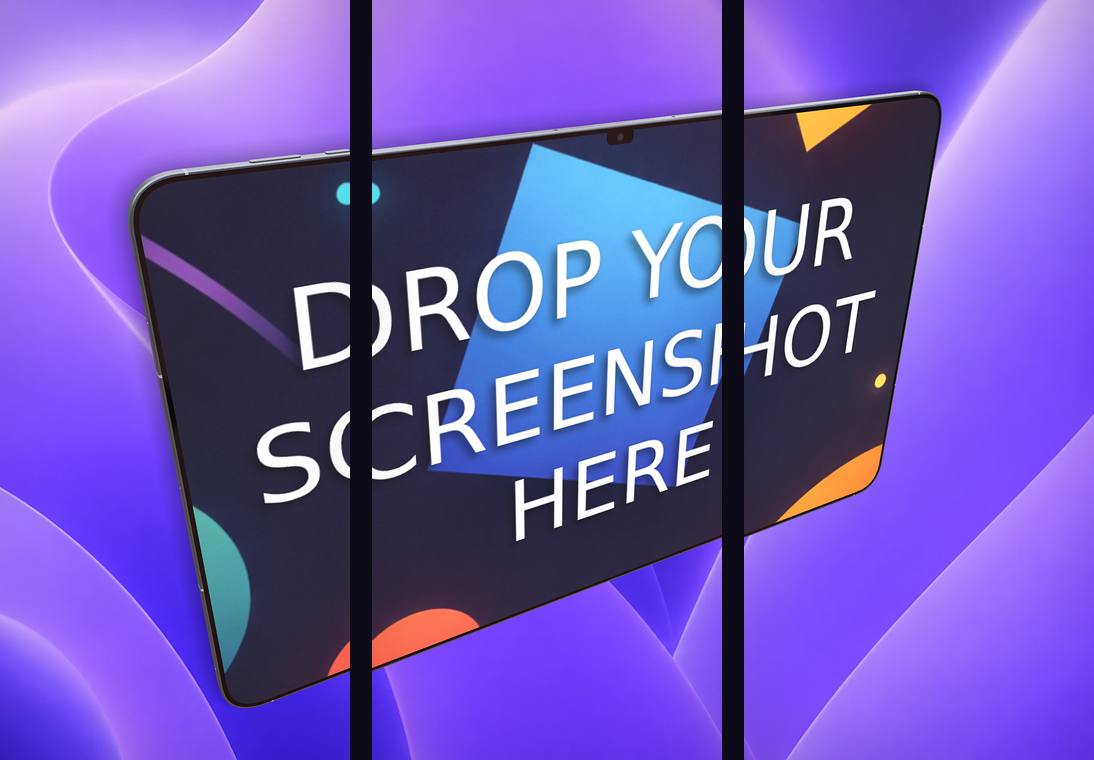
- A carousel export that slices one continuous scene into 2–5 frames for a connected set.
- No subscription: the editor is free, and you buy credit packs (from $9.99) only when you export finished images. Credits never expire.
Ecranify vs ScreenFast at a glance
| Feature | Ecranify | ScreenFast |
|---|---|---|
| Approach | 3D editor: you build each scene | AI generates 10 design directions per run |
| What you start from | Your own screen images | App Store URL, or uploaded screenshots and a description |
| Device rendering | Real 3D model, free rotation, camera and lighting control | Device frames chosen by the AI in each design |
| Changing a design | Manual control of every element | AI refinement credits, one credit per attempt |
| Output sizes | iPhone, iPad and Google Play presets plus the feature graphic | 1290 × 2796 iPhone PNGs; no native iPad or Android in the base run |
| Localization | Manual (one scene per language) | 20 or 50 localization images a month on Starter / Pro |
| Free option | Editor free; pay only to export | Free screenshot audit; designs are paid |
| Paid pricing | Credit packs from $9.99, no subscription | $9.99 one-time per app; Starter $19.99/mo; Pro $29.99/mo |
See Ecranify in action
Which one should you pick?
- Choose ScreenFast if your app is iPhone-only and already live, you have no designer, and you want ten finished directions with headlines in one run for a one-time $9.99.
- Choose Ecranify if you want to decide how the device looks (angle, light and shadows), or you need iPad and Google Play screenshots from the same project without a monthly plan.
- You can also combine them: treat a generated direction as a brief for the story and headlines, then build the final shots in the free Ecranify editor and pay only if you export them.
Frequently asked questions
Keep exploring
Try the ScreenFast alternative free
Build a 3D App Store or Google Play screenshot in your browser. The editor is free — pay only when you export.