App Store & Google Play screenshot sizes (2026)
Getting screenshot dimensions right is the difference between a listing that publishes cleanly and one that Apple or Google rejects. This guide lists the exact sizes you need for the App Store and Google Play in 2026 — including the newest iPhone 6.9″ and iPad 13″ requirements — plus practical tips for exporting them.
Why screenshot sizes matter
Both Apple and Google validate the pixel dimensions of every screenshot you upload. If an image is the wrong size or aspect ratio, it is rejected at upload time, which can hold up a release. Getting the sizes right the first time keeps your submission moving.
The good news: both stores have simplified their requirements. Apple now scales a single high-resolution iPhone size down to smaller devices, and Google accepts a flexible range as long as you stay within its aspect-ratio rules.
App Store (iOS) screenshot sizes
As of the latest App Store Connect rules, the 6.9″ iPhone display is the only mandatory iPhone screenshot slot — Apple automatically scales it down for 6.5″ and 5.5″ devices. If your app supports iPad, you also need 13″ iPad screenshots. You can upload up to 10 screenshots per device size, per localization.
Screenshots must be PNG or JPEG in the RGB color space, with no transparency and no rounded corners (upload full-bleed rectangles).
| Device | Portrait (px) | Landscape (px) | Required? |
|---|---|---|---|
| iPhone 6.9″ (e.g. iPhone 17 Pro Max) | 1320 × 2868 | 2868 × 1320 | Yes — mandatory |
| iPhone 6.5″ (older Pro Max) | 1242 × 2688 / 1284 × 2778 | 2688 × 1242 | Optional (auto-scaled) |
| iPad 13″ (iPad Pro 13″ M4) | 2064 × 2752 | 2752 × 2064 | If app supports iPad |
| iPad 12.9″ (legacy) | 2048 × 2732 | 2732 × 2048 | Accepted alternative |
A note on the iPhone 6.9″ size
The 6.9″ display (1320 × 2868 portrait) covers the iPhone 17 Pro Max, 16 Pro Max and 15 Pro Max. Because Apple scales this size down to the 6.5″ and 5.5″ slots automatically, designing at 1320 × 2868 once is enough for every modern iPhone. Export at exactly this resolution to avoid any upscaling artefacts.
Google Play screenshot sizes
Google Play is more flexible on exact dimensions but strict on aspect ratio. Each screenshot must be a JPEG or 24-bit PNG (no alpha channel), with each side between 320 px and 3840 px, and the longer side no more than twice the shorter side. Phone screenshots should be 16:9 or 9:16.
You need a minimum of 2 phone screenshots (up to 8), and separate 7″ and 10″ tablet screenshots if your app targets tablets. A recommended, safe phone size is 1080 × 1920. Every listing also needs a feature graphic banner — our Google Play feature graphic guide covers its size and rules.
| Asset | Recommended size (px) | Format | Notes |
|---|---|---|---|
| Phone screenshot | 1080 × 1920 | PNG / JPEG (no alpha) | Min 2, up to 8. 9:16 or 16:9 |
| 7″ tablet screenshot | 1200 × 1920 | PNG / JPEG (no alpha) | Up to 8 |
| 10″ tablet screenshot | 1600 × 2560 | PNG / JPEG (no alpha) | Up to 8 |
| App icon | 512 × 512 | 32-bit PNG | Required |
| Feature graphic | 1024 × 500 | PNG / JPEG (no alpha) | Required — see the feature graphic guide |
Best practices for store screenshots
Sizes get you accepted; design gets you installs. A few things consistently help:
- Lead with your strongest screenshot — the first one or two drive most of the decision.
- Add a short, benefit-led headline to each frame; do not rely on the raw UI alone.
- Keep important content away from the very edges so nothing is clipped when scaled.
- Stay visually consistent across frames (same background style, fonts and device).
- Design at the exact target resolution and export 1:1 to avoid blurry upscaling.
How to export these sizes in Ecranify
Ecranify ships presets for every size above, including the iPhone 6.9″ (1320 × 2868) and iPad 13″ slots, so you do not have to remember the numbers. Pick a device, drop in your screenshot, choose a preset, and export — all in the browser, free to start and pay only per export.
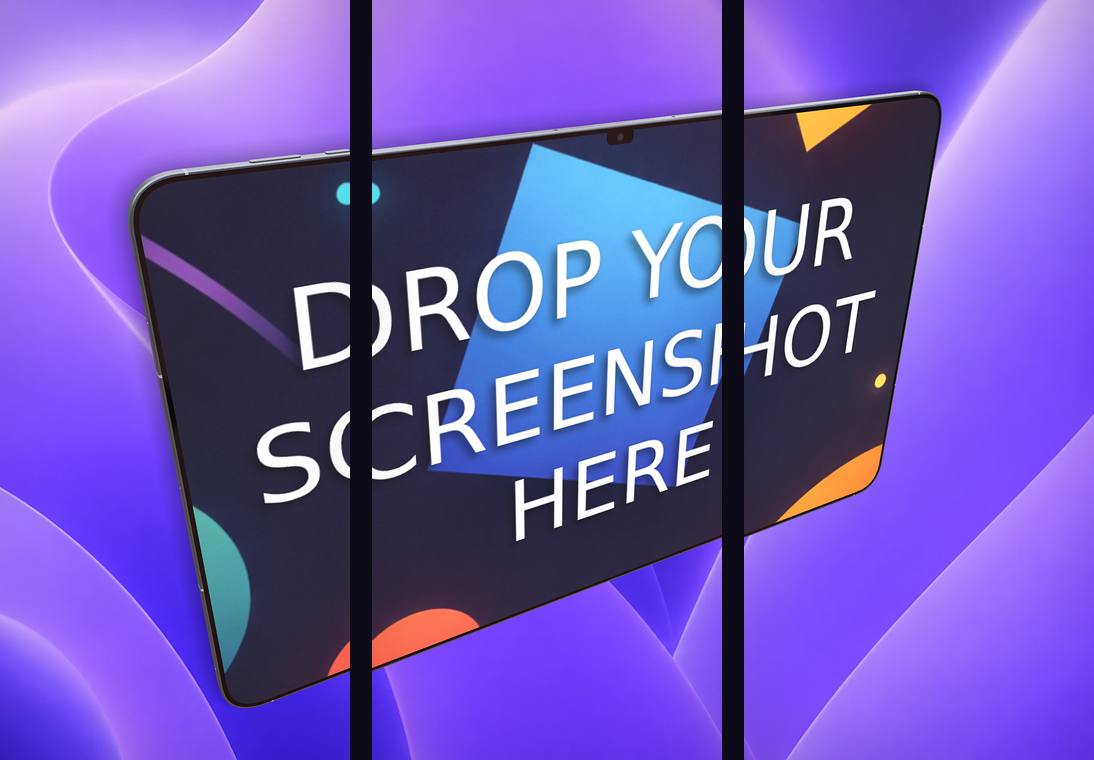
For connected story-style listings, Ecranify’s carousel export composes a multi-frame strip and slices it into individual store-ready images automatically.
Build these in Ecranify
Frequently asked questions
Related guides & comparisons
Export every store size in minutes
Ecranify has presets for iPhone 6.9″, iPad 13″ and Google Play built in. Design once, export store-ready images — free to start.