The ScreenshotWhale alternative for hand-built 3D screenshots
ScreenshotWhale turns raw app screenshots into finished App Store and Google Play sets: an AI writes the headlines, lays out the screens and adds device frames. If you would rather design each screenshot yourself around real 3D iPhone, iPad and Android devices you can rotate and light, Ecranify is the ScreenshotWhale alternative to try: a 3D screenshot editor in the browser, free to build in, with no monthly plan.
The best ScreenshotWhale alternative depends on what you want to change. If you like the idea of an AI producing the whole set, another AI generator will feel familiar; our AppScreenshotStudio alternative page compares one that drafts sets from a description and refines them in a chat. If you want to direct every shot by hand, with the device as the hero of the image, Ecranify is built for that.
ScreenshotWhale runs in the browser. You upload captures from the simulator or your phone, optionally describe what the app does, and the AI designs the set: benefit-driven headlines, layout and device frames. Its site says it covers 22 device sizes for the App Store and Google Play, offers hand-designed templates as a second starting point, and adds an ASO editor with competitor analysis on paid plans. It also generates the 1024 × 500 Google Play feature graphic, with one free per day.
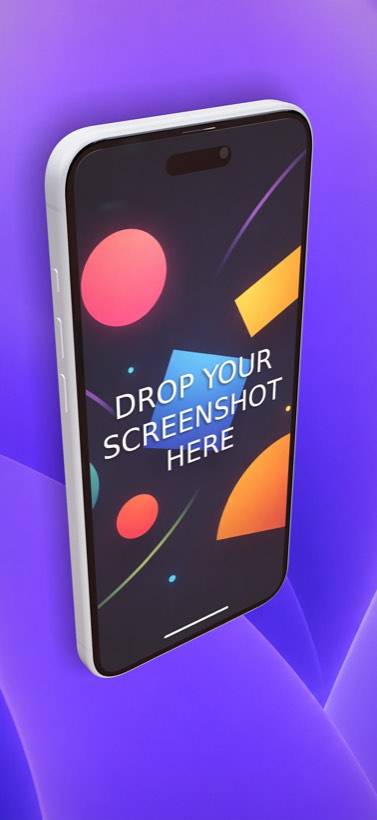
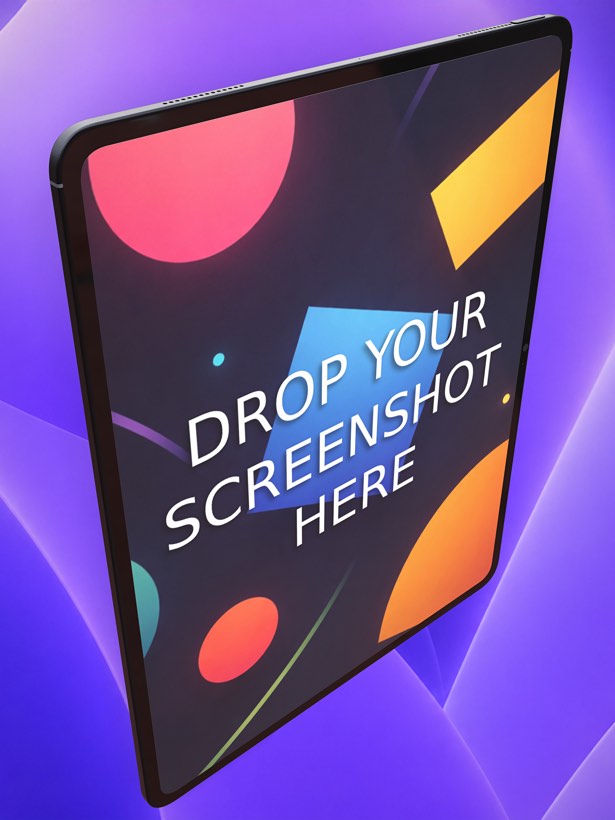
Ecranify is a 3D editor that also runs in the browser. Every phone and tablet is a parametric 3D model: in the free Ecranify editor you can start without an account, drop in a screen image, orbit the camera and set a background. After signing in, the full editor (also free) adds device rotation, adjustable lights with soft shadows, camera presets and 2D or 3D headlines. You pay only when you export finished images.
One honest difference up front: ScreenshotWhale translates its AI-written headlines into up to 10 languages on its paid plans, and Ecranify has no built-in translation. You type each headline yourself, so localized sets mean one scene per language; our guide to localized App Store screenshots covers how to plan that. ScreenshotWhale’s features and prices below come from its own website, checked in November 2026, and can change.
What ScreenshotWhale is genuinely good at
- Speed from raw captures: upload plain screenshots and get a complete, styled set back, without starting from an empty canvas.
- Headlines written for you: describe the app in one field and the AI drafts benefit-focused captions for each screen.
- Localization: AI translation into up to 10 languages on the Solo plan and above, so one design becomes several store listings.
- Coverage of store sizes: the site lists 22 device sizes for the App Store and Google Play, including 1320 × 2868 for iPhone and 2064 × 2752 for iPad.
- Extras around the screenshots: an ASO editor with competitor analysis, AI art generations and a daily Google Play feature graphic generator.
- Flexible payment: a free plan, monthly or annual plans from $9.99 a month, a $14.90 one-time Launch Pack for 30 days of full access, and single templates from $4.99.
Where Ecranify is different
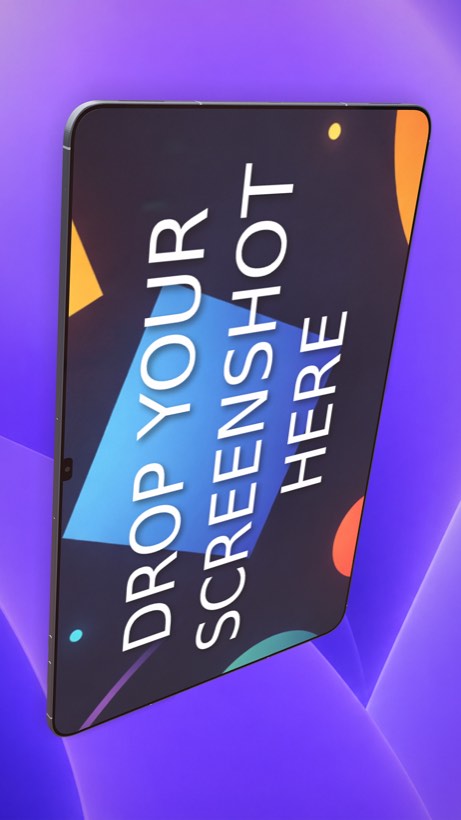
- Real 3D devices you control: iPhone 18 Pro Max, iPhone Air and iPad Pro 13″ sit next to the Pixel 10 Pro and Pixel 10 Pro XL, Samsung Galaxy S26 Ultra, Xiaomi 17 and the Galaxy Tab S11 Ultra, and each one can be rotated to any angle.
- You direct the scene: set the camera, move the lights and soft shadows, and place 2D or 3D headlines per screenshot, instead of accepting or regenerating an AI layout.
- Parametric devices: adjust the size, buttons, colors and materials of each model when you need a specific look.
- Store presets from one project: iPhone 6.9″ (1320 × 2868), 6.7″ (1290 × 2796) and 6.5″ (1284 × 2778), iPad 13″ (2064 × 2752) and 11″, Google Play phone (1080 × 1920) and tablet, and the 1024 × 500 Play feature graphic, plus custom sizes.
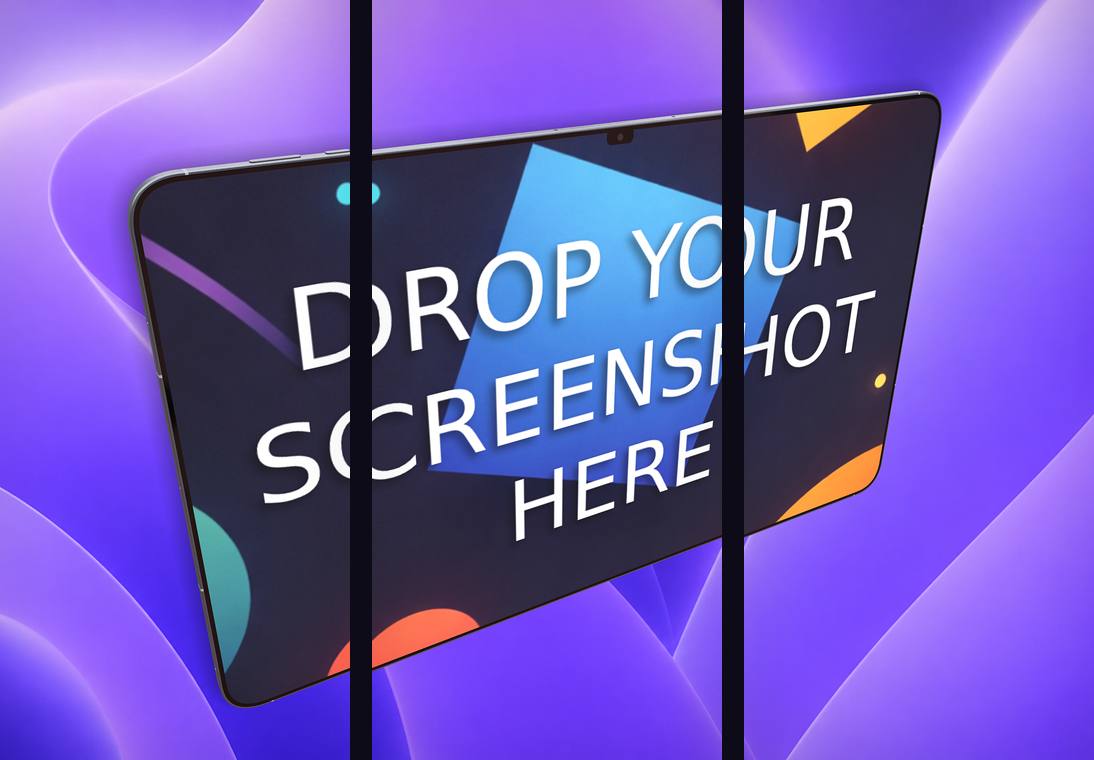
- A carousel export that slices one continuous scene into 2–5 frames for a connected set.
- No subscription and no project limits: the editor is free, and credit packs (from $9.99 for 20 credits) are bought only when you export. Credits never expire.
Ecranify vs ScreenshotWhale at a glance
| Feature | Ecranify | ScreenshotWhale |
|---|---|---|
| How you design | Build each scene by hand in a 3D editor | AI designs the set from your raw screenshots, or start from a template |
| Device rendering | Parametric 3D models, free rotation, camera and lighting control | Device frames added by the AI layout or the template |
| Headlines | Written by you, as 2D or 3D text | AI-written from a description of your app, editable |
| Translation | None built in (one scene per language) | AI translation into up to 10 languages on paid plans |
| Google Play feature graphic | 1024 × 500 export preset | Generator: 1 per day free, 4 per day on Solo |
| Free use | Editor free; free editor works without an account | Free plan: 1 project, core templates, base language, 3 AI generations a month |
| Pricing | Credit packs from $9.99, no subscription | Solo $9.99/mo, Studio $19.99/mo, Agency $29.99/mo; Launch Pack $14.90 once |
See Ecranify in action
Which one should you pick?
- Choose ScreenshotWhale if you want an AI to produce the whole set from plain captures, need headlines written and translated for several languages, or want ASO tools in the same plan.
- Choose Ecranify if the look of the device is what you want to control: hero shots with a tilted, lit 3D phone, the same 3D treatment on Android phones and tablets, or a connected carousel, without a monthly fee.
- You can also combine them: let an AI draft settle the captions and screen order, then build the final hero screenshots in the free Ecranify editor.
Frequently asked questions
Keep exploring
Try the ScreenshotWhale alternative free
Build a 3D App Store or Google Play screenshot in your browser. The editor is free — pay only when you export.