The Screenshots Pro alternative with real 3D device mockups
Screenshots Pro (App Screenshot Maker) is fantastic for animated screenshots and built-in localization. Ecranify focuses instead on bringing true 3D mockups to the browser: giving you full camera, lighting, and rotation control for static store screenshots, free to start and pay only per export.
Screenshots Pro is an excellent app screenshot maker, especially if you need to create animated video previews or manage multi-language localization directly in one tool. Its template-driven workflow is fast and simple.
Ecranify is built for developers and designers who want deeper visual control. Instead of 2D templates, Ecranify gives you a real 3D device mockup that you can rotate, tilt, and light exactly how you want. You get the newest devices and connected carousel layouts, all running entirely in your browser.
This page is a fair comparison to help you choose. If you need animation or heavy localization, Screenshots Pro is a great choice. If you want stunning 3D angles and lighting, here is how Ecranify compares. If you are also weighing an all-in-one studio for mockups, motion clips and demo videos, see our Screenhance alternative comparison.
What Screenshots Pro is genuinely good at
- Supports animated / GIF screenshots and video previews — a major differentiator.
- Built-in localization features for managing multiple languages easily.
- A large library of ready-made templates and layouts.
- Simple, fast workflow that gets you from screenshot to store listing quickly.
- Web-based with no installation required.
Where Ecranify is different
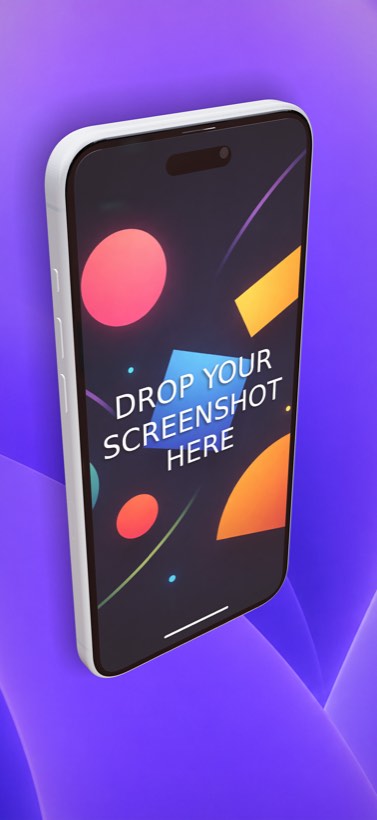
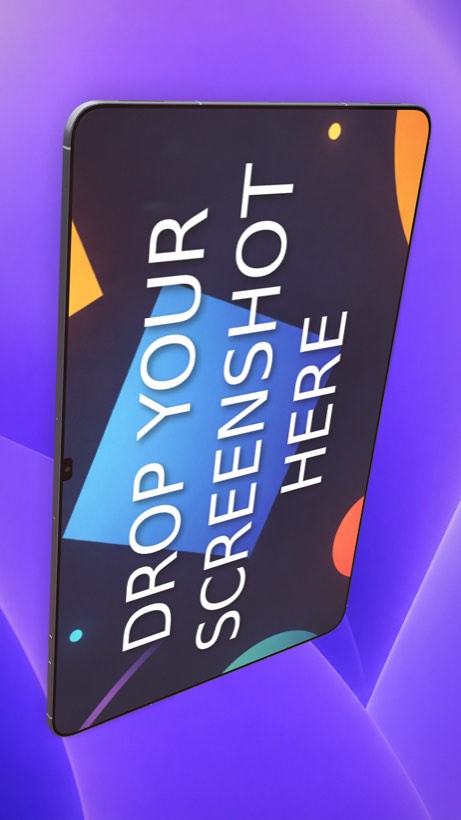
- True 3D device mockups — full camera, rotation, lighting, and shadow control instead of flat templates.
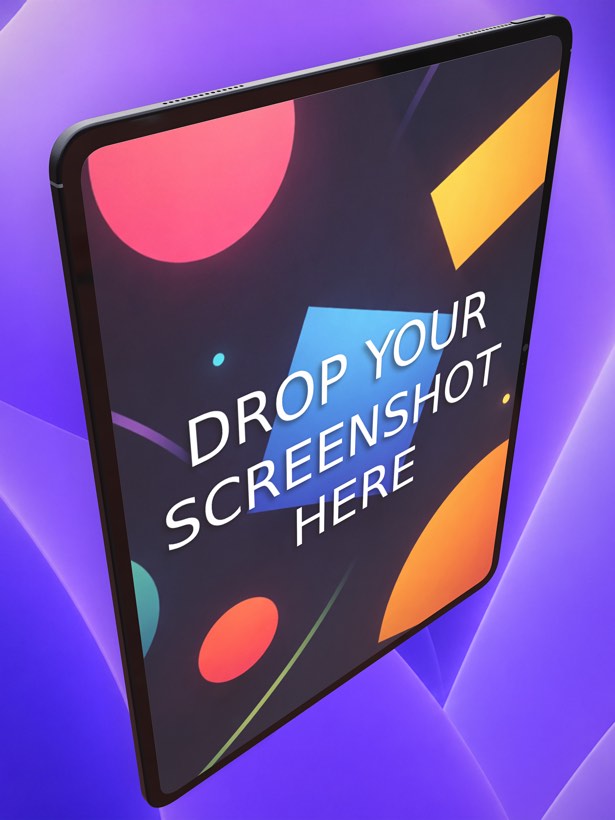
- The newest devices available immediately, including iPhone 17 Pro Max (6.9″) and iPad Pro 13″.
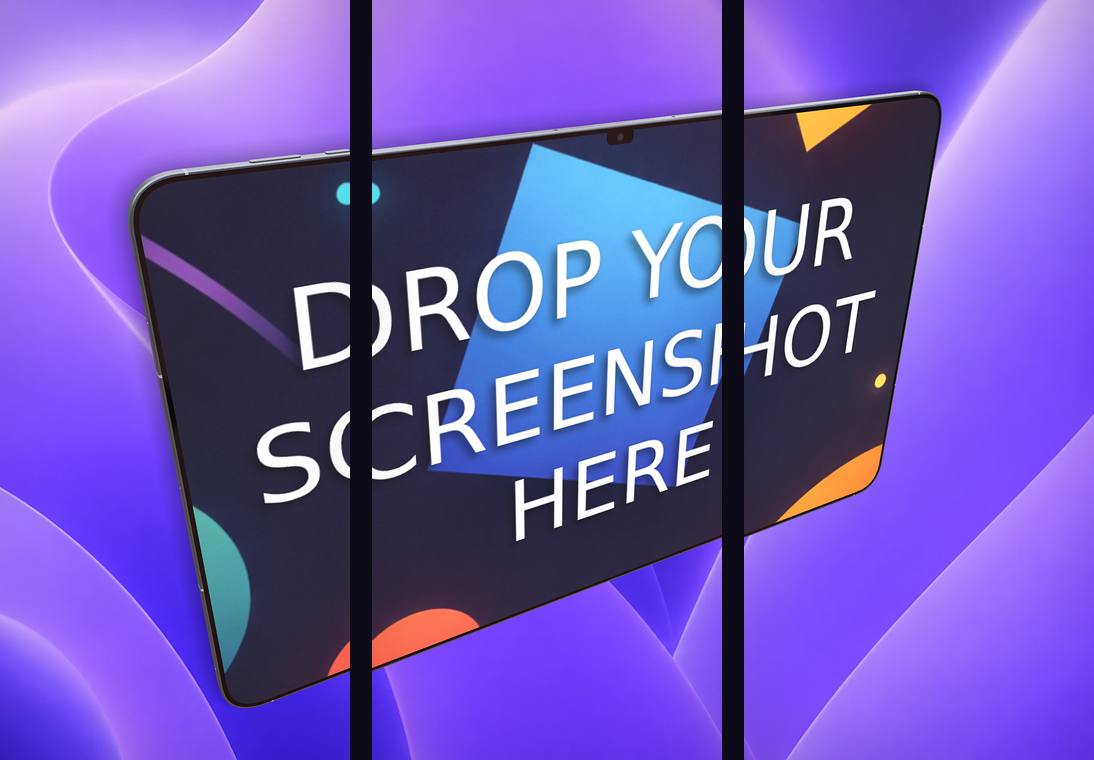
- Seamless carousel export: design a multi-frame panoramic strip and export all slices in one click.
- A bundled free App Store and Google Play app icon generator included.
- Free to start with a pay-per-export model (credit packs), compared to a paid subscription model.
Ecranify vs Screenshots Pro at a glance
| Feature | Ecranify | Screenshots Pro |
|---|---|---|
| Runs in the browser | Yes | Yes |
| Device rendering | True 3D, rotatable, custom lighting | Template-based 2D / isometric |
| Animated/Video screenshots | No (static only) | Yes (GIFs and video) |
| Localization | Manual | Built-in support |
| Newest devices | iPhone 17 Pro Max, iPad Pro 13″ | Depends on template library |
| Carousel export | Built in | Available |
| App icon generator | Bundled and free | Not the main focus |
| Pricing model | Free to start, pay per export | Paid subscription model |
See Ecranify in action
Which one should you pick?
- Choose Screenshots Pro if you need animated app previews or rely heavily on built-in localization across many languages.
- Choose Ecranify if you want your listing to look premium with custom 3D angles and lighting, without paying for a subscription.
- Ecranify is free to try in the browser, so you can build your 3D scene and only pay when you decide to export it.
Frequently asked questions
Keep exploring
Try the Screenshots Pro alternative free
Create custom 3D App Store and Google Play screenshots in your browser. Free to start — pay only when you export.