The Appure alternative for 3D device screenshots
Appure frames your app screenshots in device mockups, adds captions and translates them into other store languages, on a free plan or $9 a month. If you want the device itself to carry the screenshot, as a real 3D iPhone, iPad or Android model you can rotate and light, Ecranify is the Appure alternative to try: a 3D screenshot editor in the browser, free to build in, with no monthly plan.
The best Appure alternative depends on what you want to change. Appure is a layout editor: you pick one of its 30+ pre-made layouts, drop in raw captures, write captions and export every device size and language. If you like that workflow and only want different templates, our AppScreens alternative page compares a tool from the same template-driven category. If you want to shape the device shot itself, with its angle, camera and light, Ecranify is built for that.
Appure runs in the browser. Its device frames come in four finishes (Gray, Silver, Clay Gray and Clay Black), can be rotated left or right or switched between portrait and landscape, and sit on solid, gradient or image backgrounds. Layouts include captions above the device, devices angled, side by side and a panorama across two screenshots, the same idea our guide to panoramic App Store screenshots explains. Its sizes page names devices up to the iPhone 17 family, iPad Pro (M4), Galaxy S24 Ultra and Pixel 9 Pro, and exports are PNG or JPEG at App Store and Google Play sizes.
Ecranify is a 3D editor that also runs in the browser. Every phone and tablet is a parametric 3D model: in the free Ecranify editor you can start without an account, drop in a screen image, set a background and export single screenshots at App Store and Google Play preset sizes. After signing in, the full editor (also free to use) adds device rotation to any angle, adjustable lights with soft shadows, camera presets, 2D or 3D headlines, custom sizes and carousel export. You pay with credits only when you export from the full editor.
One honest difference up front: Appure translates captions into other App Store and Google Play languages (3 localizations on its free plan, all languages on Plus), and Ecranify has no built-in translation. You type each headline yourself, so localized sets mean one scene per language; our guide to localized App Store screenshots covers how to plan that. Appure’s features and prices below come from its own website and changelog, checked in November 2026, and can change.
What Appure is genuinely good at
- A quick layout workflow: 30+ pre-made layouts, from captions above the device to side-by-side and angled devices, with layout settings per screenshot on the Plus plan.
- Caption localization: Appure translates captions into other store languages, with 3 localizations on the free plan and all languages on Plus.
- Text work at scale: a spreadsheet-like bulk annotation editor, copying captions to all screens or languages, 16+ built-in fonts and your own uploaded fonts.
- Backgrounds: solid colors, a library of 200+ gradients, patterns and image backgrounds, plus panoramic layouts across two screenshots.
- Several apps in one plan: Plus covers up to 10 iOS or Android apps for $9 a month, and the free plan covers one app.
- Free ASO helpers on its website: an ASO audit, a screenshot size checker and a keyword density analyzer.
Where Ecranify is different
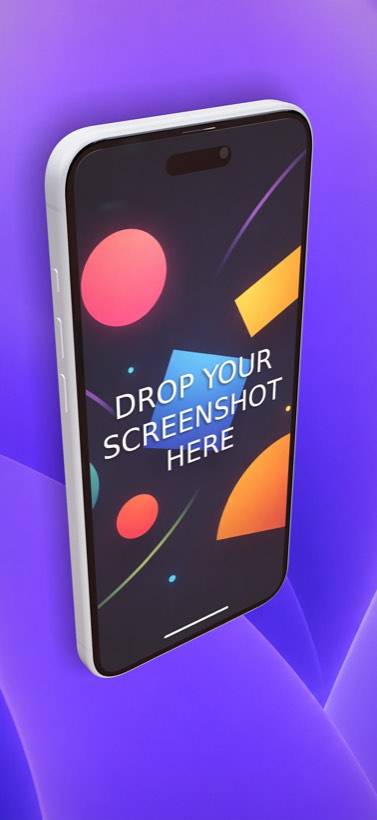
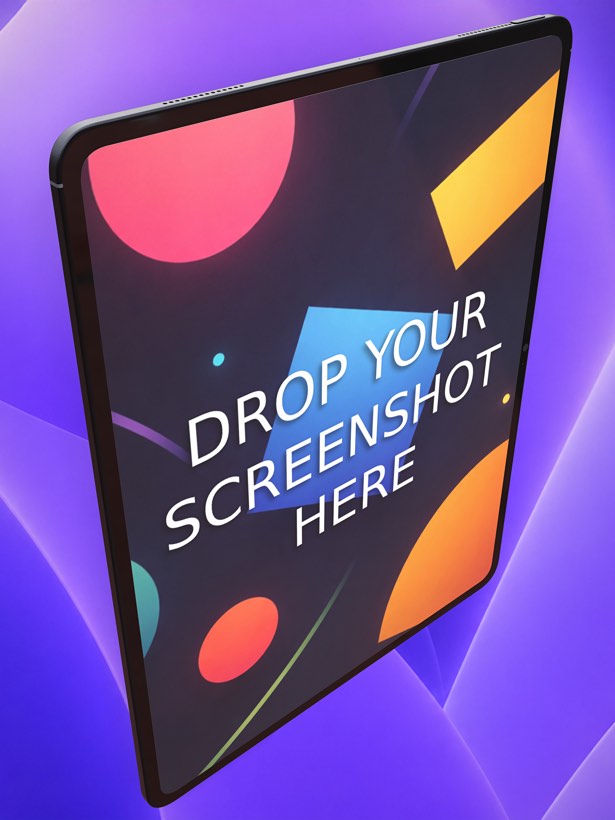
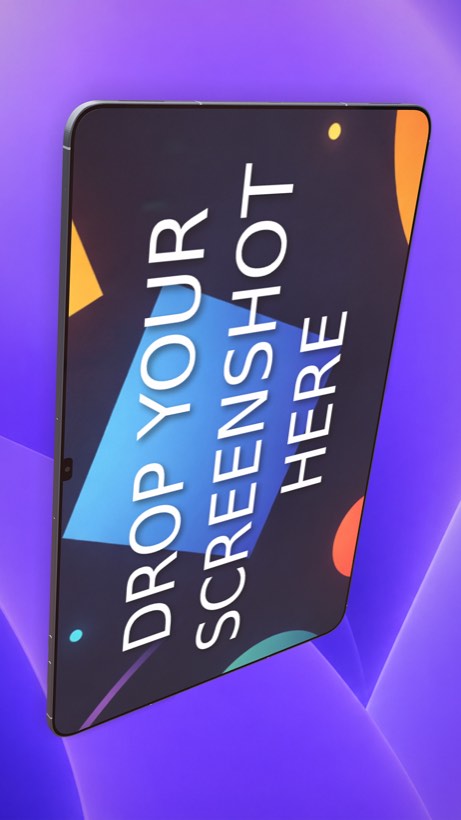
- Real 3D devices you control: iPhone 18 Pro Max, iPhone 18 Pro, iPhone Air and iPad Pro 13″ sit next to the Pixel 10 Pro and Pixel 10 Pro XL, Samsung Galaxy S26 Ultra, Xiaomi 17 and the Galaxy Tab S11 Ultra, and each one can be rotated to any angle.
- You direct the scene: set the camera, move the lights and soft shadows, and place 2D or 3D headlines per screenshot, instead of choosing from fixed layouts.
- Parametric devices: adjust the size, buttons, colors and materials of each model when you need a specific look.
- Store presets from one project: iPhone 6.9″ (1320 × 2868), 6.7″, 6.5″ and 5.5″, iPad 13″ (2064 × 2752) and 11″ (1668 × 2388), Google Play phone (1080 × 1920) and tablet, and the 1024 × 500 Play feature graphic, plus custom sizes in the full editor.
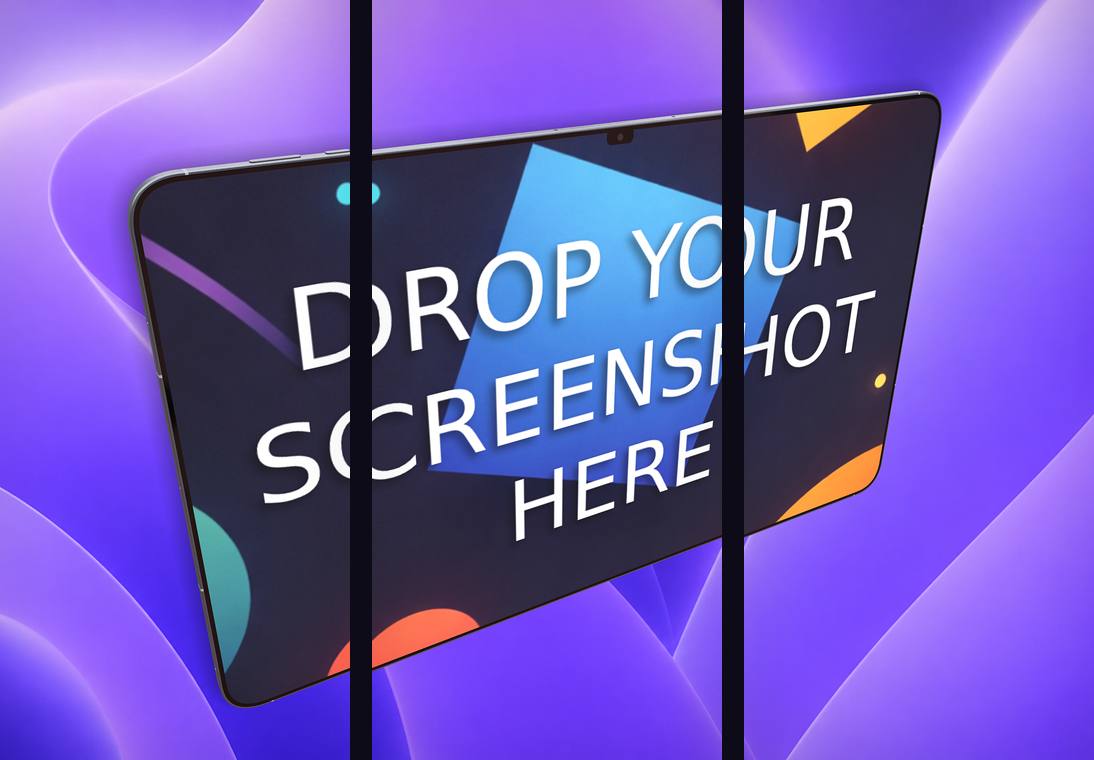
- A carousel export that slices one continuous scene into 2–5 frames, so a connected set can run across more than two screenshots.
- No subscription and no project limits: the editor is free, and credit packs (from $9.99 for 20 credits) are bought only when you export. Credits never expire.
Ecranify vs Appure at a glance
| Feature | Ecranify | Appure |
|---|---|---|
| How you design | Build each scene by hand in a 3D editor | Pick a pre-made layout, then adjust captions, frames and backgrounds |
| Device rendering | Parametric 3D models, free rotation, camera and lighting control | Device frames in 4 finishes, rotate left or right, angled layouts |
| Newest devices named | iPhone 18 Pro Max, Pixel 10 Pro, Galaxy S26 Ultra | iPhone 17 family, Pixel 9 Pro, Galaxy S24 Ultra (sizes page) |
| Translation | None built in (one scene per language) | Caption translation: 3 localizations free, all languages on Plus |
| Connected sets | Carousel export across 2–5 frames | Panorama layout across two screenshots |
| Free use | Editor free; free editor works without an account | Free plan: 1 app, one layout per app, 3 localizations |
| Pricing | Credit packs from $9.99, no subscription | Plus $9/month for up to 10 apps |
See Ecranify in action
Which one should you pick?
- Choose Appure if you maintain several apps, need captions translated into many store languages, or prefer a fast layout-driven workflow for a flat monthly price.
- Choose Ecranify if the look of the device is what you want to control: hero shots with a tilted, lit 3D phone, the same 3D treatment on Android phones and tablets, or a connected carousel, without a monthly fee.
- You can also combine them: keep the caption-heavy screens in a layout tool and build the hero screenshots with a 3D device in the free Ecranify editor.
Frequently asked questions
Keep exploring
Try the Appure alternative free
Build a 3D App Store or Google Play screenshot in your browser. The editor is free — pay only when you export.