The AppScreenshotStudio alternative for hands-on 3D screenshots
AppScreenshotStudio drafts App Store and Google Play screenshot sets from a description or your app’s URL and lets you refine them in a chat. If you would rather direct every shot yourself, with real 3D iPhone, iPad and Android devices you can rotate and light, Ecranify is the AppScreenshotStudio alternative to try: a 3D screenshot editor in the browser, free to build in, with no monthly plan.
The best AppScreenshotStudio alternative depends on how you like to work. If you want an AI to propose a finished screenshot set and you are happy to steer it with chat messages, AppScreenshotStudio already does that, and another AI generator will feel similar; our ScreenFast alternative page compares one that designs iPhone screenshots for you. If you want to build each screenshot by hand around a real 3D device, Ecranify is made for that job.
AppScreenshotStudio runs in the browser. You describe your app or paste its URL, it drafts a set, and you refine it in a chat or in the editor. Its site lists templates, gradient and stock-photo backgrounds, AI backgrounds on higher plans, and device views for iPhone, Samsung phones, iPad, Android tablets and Apple Watch: front, left or right at 15° and 30°, isometric, top-down and landscape. It can also generate up to three test variants of a set for App Store product page optimization, and its Growth and Pro plans add a REST API and an MCP server for coding tools.
Ecranify is a 3D editor that also runs in the browser. Every phone and tablet is a parametric 3D model rather than a preset view: in the free Ecranify editor you can start without an account, drop in a screen image, orbit the camera and set a background. After signing in, the full editor (also free) adds device rotation, adjustable lights with soft shadows, camera presets and 2D or 3D headlines. You pay only when you export finished images.
This comparison aims to be fair. AppScreenshotStudio’s features and prices below come from its own website, checked in November 2026, and can change. If you plan to test screenshot variants, our App Store screenshot A/B testing guide explains how Apple’s product page optimization and Google Play experiments work, whichever tool makes the images.
What AppScreenshotStudio is genuinely good at
- Speed from zero: describe the app or paste its URL and get a first screenshot set to react to, instead of starting from an empty canvas.
- Chat-based edits: ask for a change in plain words and keep refining; the full editor is there when you want to adjust details yourself.
- Test variants built in: up to three alternates per set on Growth and Pro (one on Starter), either bold concepts or one change each, with credits refunded for a variant that fails its readability or layout checks.
- Wide device coverage, including Apple Watch, with preset tilted, isometric, top-down and landscape views.
- Automation: a REST API and an MCP server on the Growth and Pro plans, so screenshot work can be driven from a coding assistant.
- Low entry price: plans start at $4.99 a month, with a 14-day trial that includes 25 credits.
Where Ecranify is different
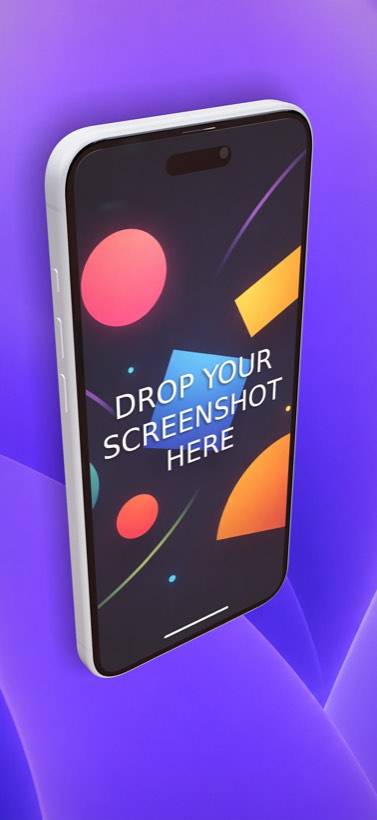
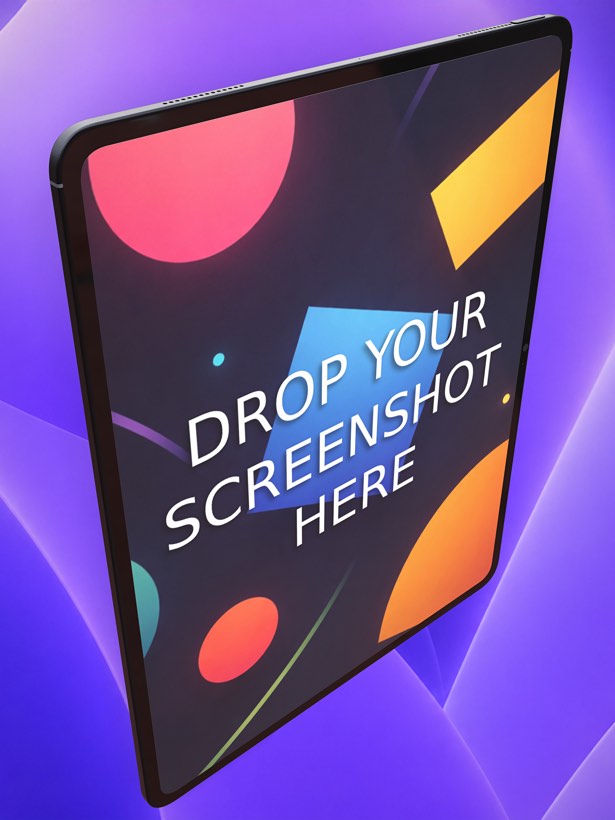
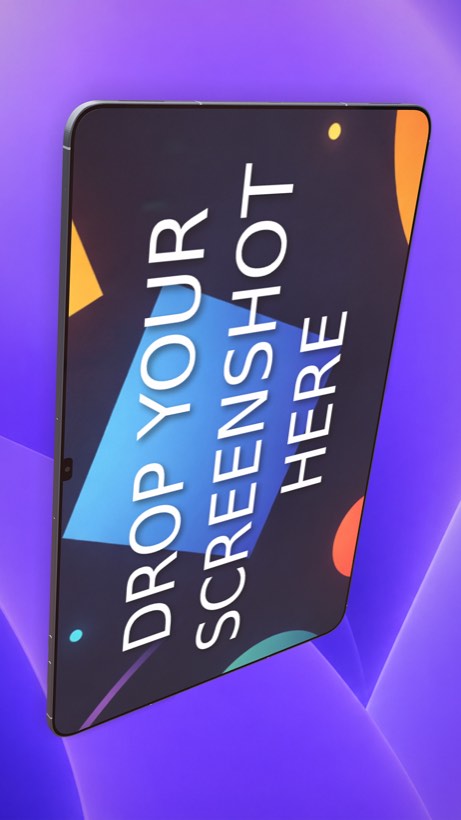
- Real 3D devices instead of preset angles: iPhone 18 Pro Max, iPhone Air and iPad Pro 13″ sit next to the Pixel 10 Pro and Pixel 10 Pro XL, Samsung Galaxy S26 Ultra, Xiaomi 17 and the Galaxy Tab S11 Ultra, and each one can be rotated to any angle.
- You direct the scene: set the camera, move the lights and soft shadows, and place 2D or 3D headlines per screenshot, with no chat prompts in between.
- Parametric devices: adjust the size, buttons, colors and materials of each model when you need a specific look.
- Store presets from one project: iPhone 6.9″ (1320 × 2868), iPad 13″ (2064 × 2752), Google Play phone (1080 × 1920) and tablet, and the 1024 × 500 Play feature graphic, plus custom sizes up to 3840 px.
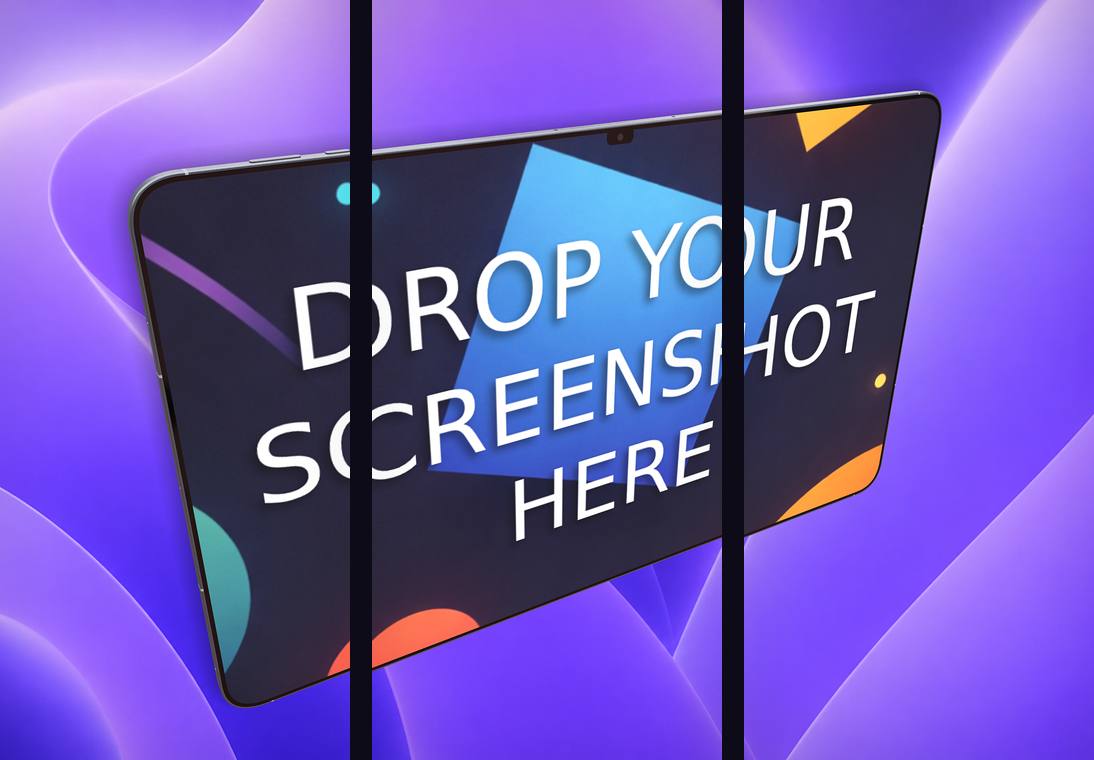
- A carousel export that slices one continuous scene into 2–5 frames for a connected set.
- No subscription: the editor is free, and credit packs (from $9.99 for 20 credits) are bought only when you export. Credits never expire.
Ecranify vs AppScreenshotStudio at a glance
| Feature | Ecranify | AppScreenshotStudio |
|---|---|---|
| How you design | Build each scene by hand in a 3D editor | AI drafts a set from a description or URL; refine by chat or in the editor |
| Device rendering | Parametric 3D models, free rotation, camera and lighting control | Preset views: front, 15° and 30° tilts, isometric, top-down, landscape |
| Devices | iPhone, iPad, Pixel, Samsung Galaxy, Xiaomi and an Android tablet | iPhone, Samsung, iPad, Android tablet and Apple Watch |
| Test variants | Manual (one scene per variant) | Up to 3 AI variants per set (1 on Starter), 5 credits each |
| API and MCP server | No | Yes, on Growth and Pro |
| Free use | Editor free; free editor works without an account | 14-day trial with 25 credits, card required |
| Pricing | Credit packs from $9.99, no subscription | Starter $4.99/mo, Growth $9.99/mo, Pro $19.99/mo |
See Ecranify in action
Which one should you pick?
- Choose AppScreenshotStudio if you want an AI to produce the first draft, prefer describing changes to making them, need Apple Watch screenshots, or want test variants and API access in the same monthly plan.
- Choose Ecranify if the look of the device is what you want to control: hero shots with a tilted, lit 3D phone, the same 3D treatment on Android phones and tablets, or a connected carousel, without a monthly fee.
- You can also combine them: use an AI draft to settle on captions and order, then build the final hero screenshots in the free Ecranify editor.
Frequently asked questions
Keep exploring
Try the AppScreenshotStudio alternative free
Build a 3D App Store or Google Play screenshot in your browser. The editor is free — pay only when you export.