Google Play feature graphic: size, rules & template
The feature graphic is the wide banner Google Play shows at the top of your store listing and uses when promoting your app. It is required, and its exact size is 1024 × 500 px. This guide covers the format rules, a safe zone for text, do’s and don’ts, and how to make one quickly.
What is the feature graphic?
The feature graphic is a landscape banner that appears at the top of your Google Play listing and is used across Play’s promotional surfaces. It is one of the first things a potential user sees, so it carries a lot of weight for conversion.
Unlike screenshots, the feature graphic is required for every app — you cannot publish a Play listing without one.
Exact size and format
Google Play’s requirements for the feature graphic are strict and simple:
| Property | Requirement |
|---|---|
| Dimensions | 1024 × 500 px (landscape) |
| Format | PNG (24-bit, no alpha) or JPEG |
| Color space | RGB |
| Transparency | Not allowed |
| Max file size | 15 MB |
Design a safe zone
Play may overlay a play button or crop the edges of the feature graphic depending on the surface and device. Keep your logo and any critical text roughly within the central area — avoid placing important elements near the outer edges or dead-center where a play button might appear on video-enabled listings.
A practical rule: treat the middle ~80% as the safe zone and let backgrounds bleed to the edges.
Do’s and don’ts
A strong feature graphic is simple and legible at small sizes. Follow these guidelines:
- Do keep it simple — one clear focal point and a short, readable headline.
- Do use high contrast so text stays legible when scaled down.
- Do reflect your app’s actual look and brand colors.
- Don’t cram in device screenshots at tiny sizes — they become unreadable.
- Don’t place essential text at the edges or exact center (crop / play-button risk).
- Don’t use transparency or add rounded corners — upload a full-bleed rectangle.
- Don’t include store badges, prices, or misleading “award” claims.
How to make a feature graphic in Ecranify
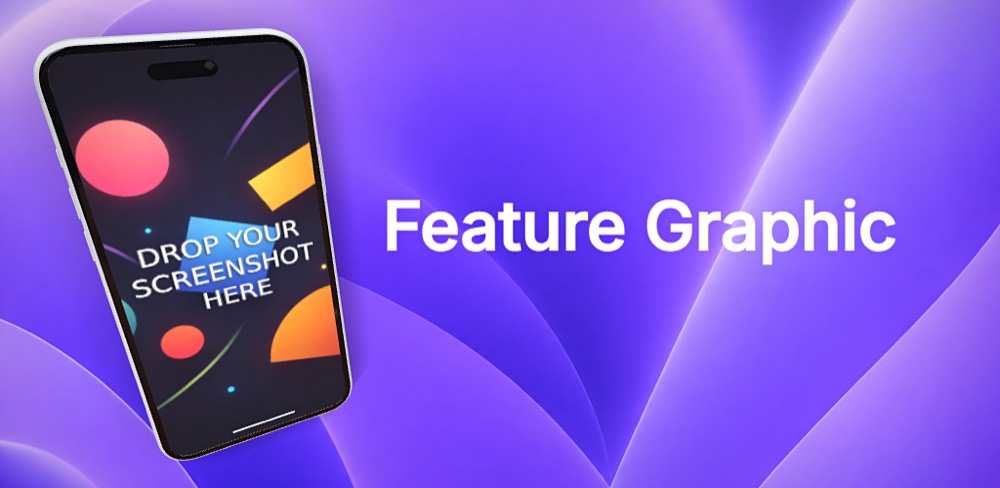
Ecranify supports custom export sizes, so you can compose a 1024 × 500 feature graphic with a 3D device mockup, gradient or image background, and headline text — then export it store-ready. Because dynamic shadows and camera framing adapt to the wide aspect, your device still looks great in the banner format.
It is free to start and you pay only when you export, so you can design and preview your feature graphic at no cost.
Build these in Ecranify
Frequently asked questions
Related guides & comparisons
Make a 1024×500 feature graphic free
Compose a Google Play feature graphic with a 3D device mockup and headline in your browser. Free to start — pay only when you export.