The Screenhance alternative for real 3D App Store screenshots
Screenhance is a broad, template-driven studio for mockups, store screenshots, motion clips and demo videos. If what you need is a store screenshot with a device you can freely rotate and light, Ecranify is the focused Screenhance alternative: a real 3D editor in the browser, free to build in, with no subscription.
The best Screenhance alternative depends on why you are looking. If you want the same all-in-one visual toolkit at a different price, other template tools are the closer match. If you want App Store and Google Play screenshots where the device is a real 3D model — any angle, your own lighting and shadows — Ecranify is built for exactly that job.
Screenhance covers a lot of ground. Its editor turns product UI into device mockups, App Store and Google Play screenshot sets, website graphics, social cards, motion templates and recorded demo videos, and its catalog goes well beyond phones: laptops, browsers, wearables, TVs and even merch and print mockups. Its 3D content comes as preset motion templates — hardware turns, folding tours and laptop reveals — where you swap the screen, finish and background and adjust timing.
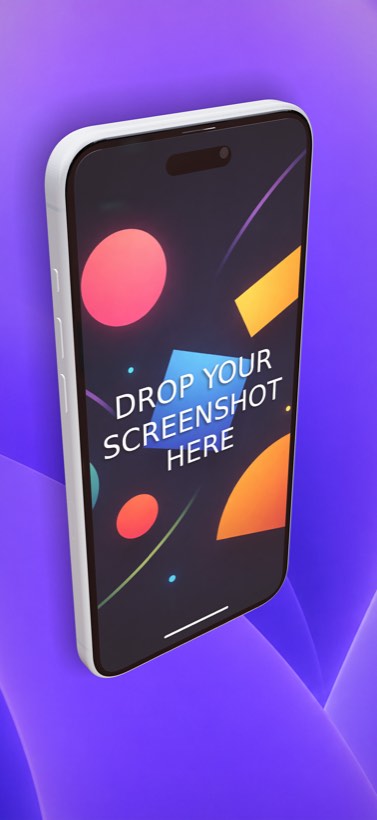
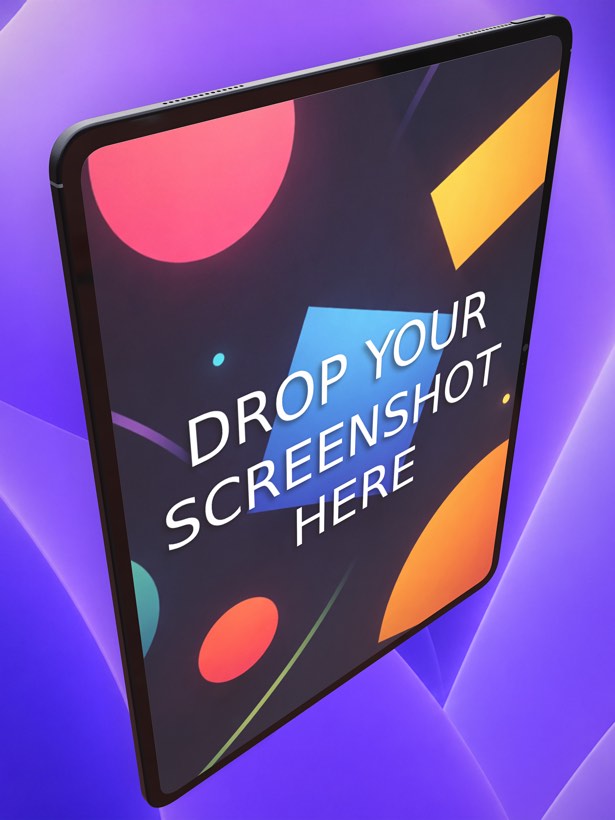
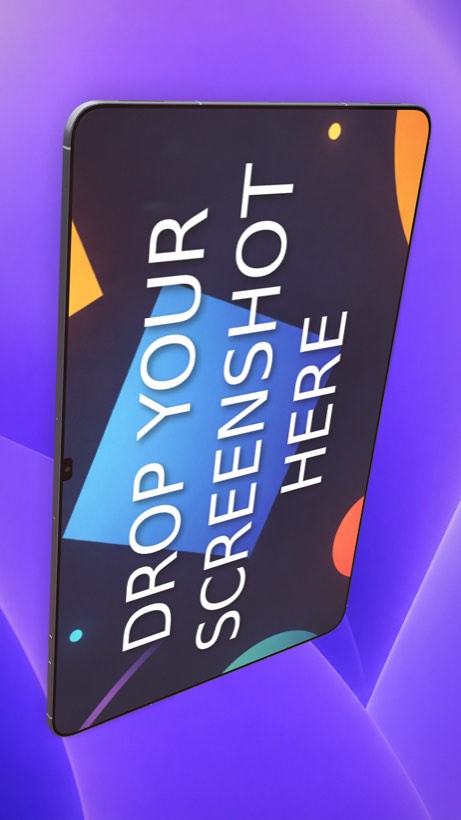
Ecranify does one thing in more depth. Every device is a parametric 3D model you place in a scene. In the free Ecranify editor you can start without an account, orbit the camera and set a background; after signing in, the full editor (also free) adds device rotation, three lights with soft shadows, and 2D or 3D headlines. You only pay when you export finished images. Screenhance’s own comparison page recommends a dedicated 3D tool when detailed scene direction matters — our Ecranify vs Rotato comparison covers the desktop option.
This comparison is written to be fair: Screenhance is a capable product, and for some teams it is the better choice. Pricing and features below were checked against Screenhance’s public pages in September 2026 and can change.
What Screenhance is genuinely good at
- Breadth: one editor for store screenshots, device mockups, website visuals, social cards, motion templates and demo videos.
- Motion and video — animated mockups exported as GIF or WebM, plus screen recording for product demos, with clean MP4 export on Pro.
- Localization of App Store and Google Play sets without rebuilding the design.
- A wide mockup catalog beyond phones and tablets, including laptops, browsers, Apple Watch, TVs and physical products like packaging and apparel.
- Flexible pricing: a free plan (3 watermarked exports per month), a $6 one-time Launch Pass with 10 watermark-free image exports over 7 days, and Pro at $12/month or $99/year with unlimited exports.
Where Ecranify is different
- A real 3D scene instead of preset angles — rotate the device freely, move the camera, and control lighting and shadows for each screenshot.
- Parametric devices you can tune — size, screen features, buttons, colors and materials — so the mockup matches the hardware you target.
- Current Apple and Android devices, including the iPhone 18 Pro Max, iPad Pro 13″, Pixel 10 Pro XL and Galaxy S26 Ultra.
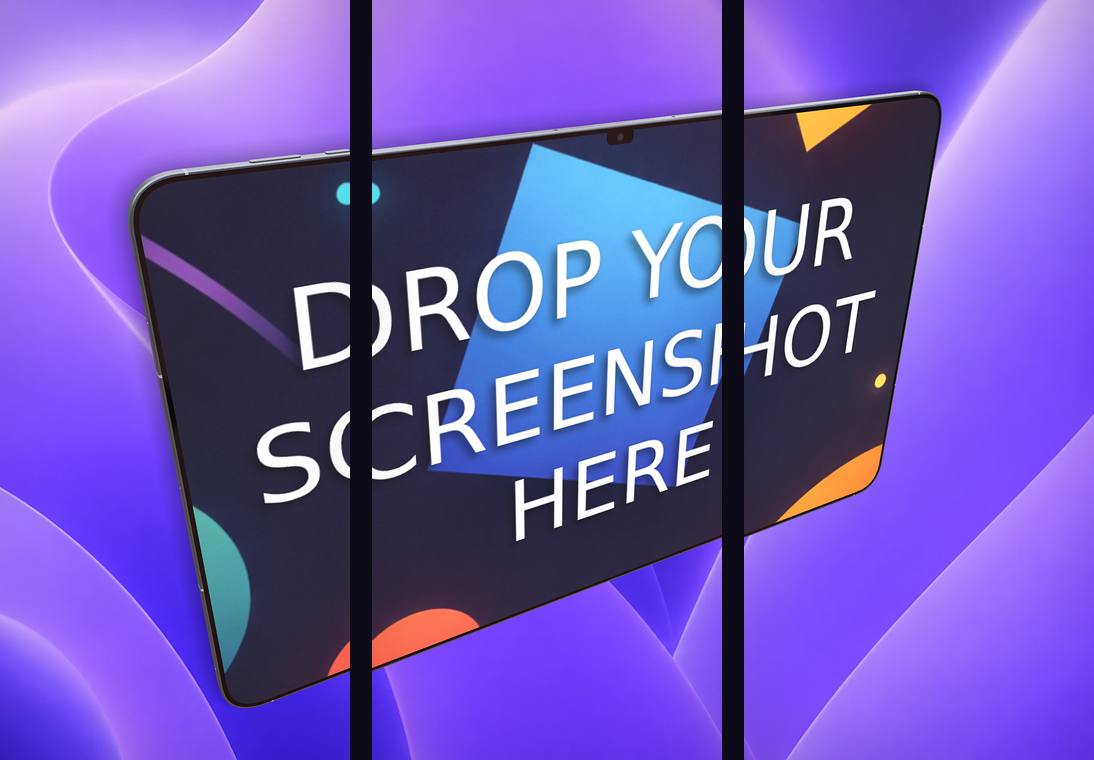
- Store export presets built in — iPhone 6.9″ (1320 × 2868), iPad 13″ (2064 × 2752), Google Play phone and tablet, and the Play feature graphic — plus a carousel export that slices one continuous scene into 2–5 frames.
- No subscription: the editor is free, and you buy credit packs (from $9.99) only when you export watermark-free images. Credits never expire.
- Free companion tools in the same place: an App Store / Google Play icon generator, a QR code generator, an image converter and a video-to-GIF converter.
Ecranify vs Screenhance at a glance
| Feature | Ecranify | Screenhance |
|---|---|---|
| Runs in the browser | Yes — nothing to install | Yes — nothing to install |
| Device rendering | Real 3D model, free rotation, camera and lighting control | Device frames and scenes; 3D as preset motion templates |
| Main focus | App Store & Google Play screenshots | Store sets, mockups, web visuals, motion, demo video |
| Animated / video output | No (static images only) | Yes (GIF, WebM; MP4 demo video on Pro) |
| Localization | Manual (one scene per language) | Built in |
| Device customization | Parametric — size, features, materials | Swap screen, finish and background |
| Free plan | Full editor free; pay only to export | 3 watermarked exports per month |
| Paid pricing | Credit packs from $9.99, no subscription | $6 Launch Pass or $12/month Pro |
See Ecranify in action
Which one should you pick?
- Choose Screenhance if you need more than store screenshots — animated clips, demo videos, social cards or website mockups — or built-in localization across many markets, all from one subscription.
- Choose Ecranify if your priority is the store listing itself and you want the device shot to look custom: your own angle, lighting and shadows, current devices and carousel strips, without paying monthly.
- Many teams can use both. Because the Ecranify editor is free, you can build a 3D scene, compare it with what you have today, and only pay if you export it.
Frequently asked questions
Keep exploring
Try the Screenhance alternative free
Build a 3D App Store or Google Play screenshot in your browser. The editor is free — pay only when you export.