The AppMockUp alternative with real 3D device mockups
AppMockUp is a solid, beginner-friendly way to drop screenshots into flat device frames. Ecranify goes a step further: fully 3D device mockups you can rotate and light, the newest devices, carousel export, and a free-to-start, pay-per-export model — all in your browser.
If you have shipped an app, you have probably tried AppMockUp. It is one of the most popular free web tools for turning raw screenshots into App Store and Google Play images, and it does that job well — especially if you just need clean, flat device frames with a headline and a background.
Ecranify is built for the moment you want your store listing to stand out a little more. Instead of pasting your screenshot into a flat 2D frame, Ecranify wraps it around a real 3D device model that you can rotate, tilt, and light exactly how you want — and it still runs entirely in the browser with nothing to install.
This page is an honest comparison. AppMockUp is genuinely good at what it does, so we start there, then explain where Ecranify is different and who each tool suits best. If you are comparing broader template studios as well, our Screenhance alternative page covers one that also makes motion clips and demo videos.
What AppMockUp is genuinely good at
- Free and web-based — no install, no Mac requirement, works for anyone.
- Very beginner-friendly: pick a template, drop in a screenshot, add text, done.
- A large library of ready-made templates and flat device frames.
- Fast for straightforward, flat-frame store screenshots.
- Handles the standard App Store and Google Play output sizes.
Where Ecranify is different
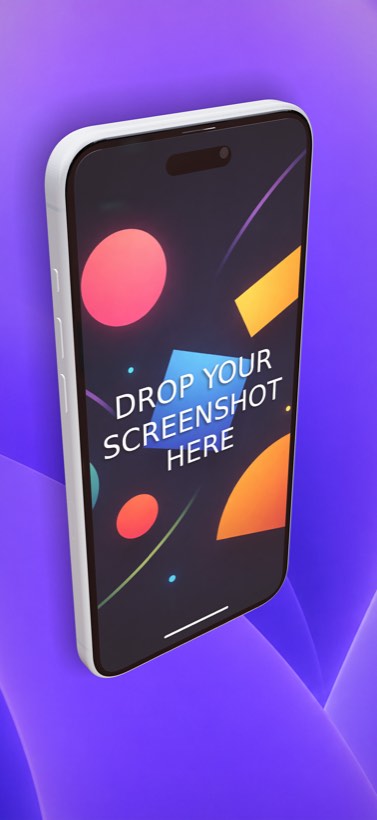
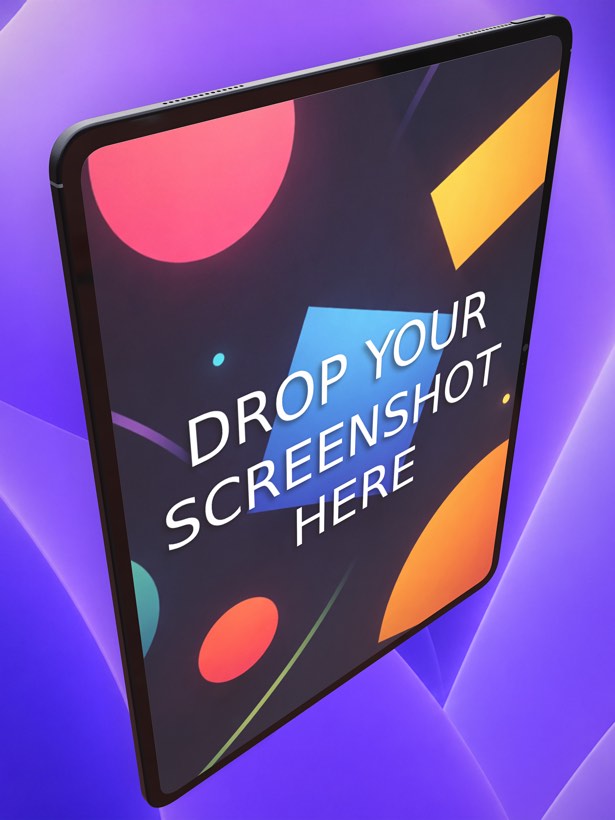
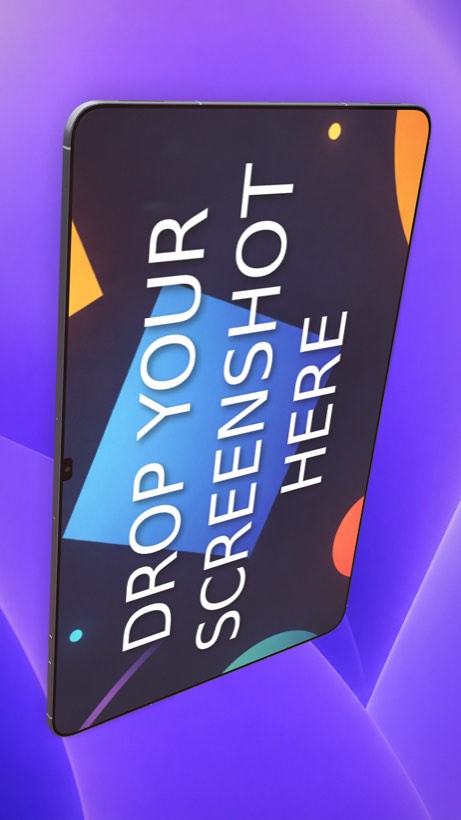
- True 3D device mockups — rotate, tilt, and position the device in 3D space, with real lighting and shadows, instead of a flat frame.
- The newest devices, including the iPhone 17 Pro Max (6.9″, 1320×2868), iPad Pro 13″, and current Android phones and tablets.
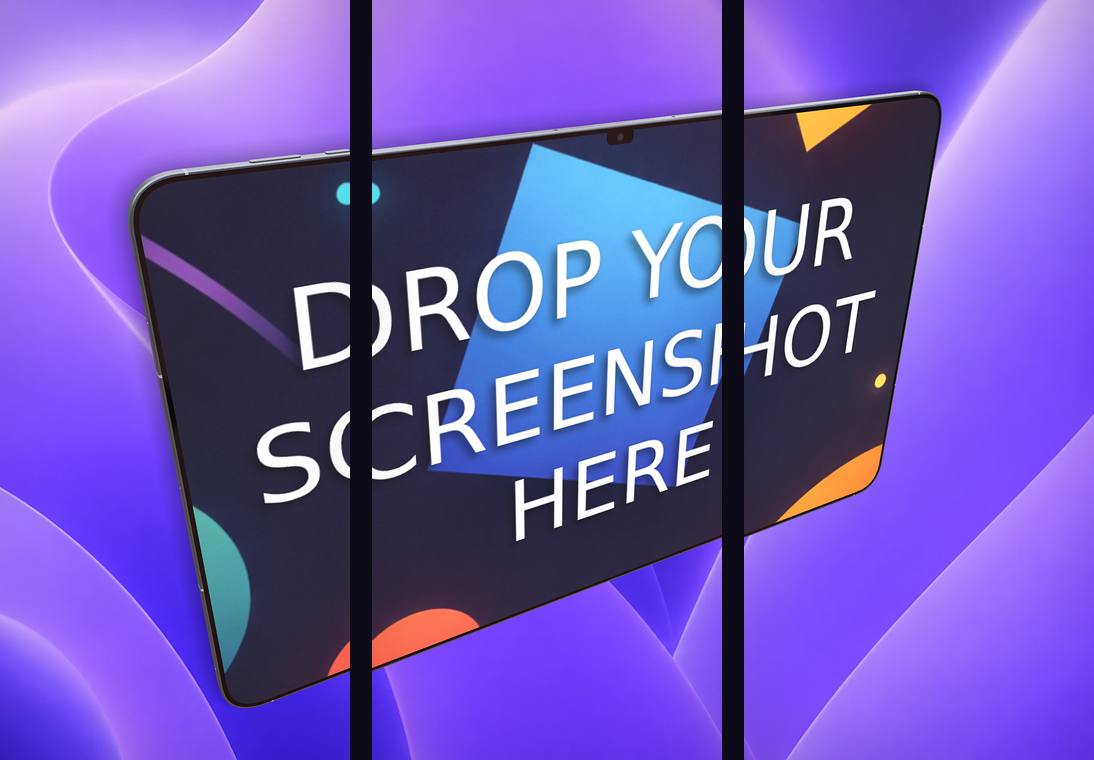
- Carousel export: design a connected multi-frame strip and export every slice in one click.
- A bundled free App Store / Google Play app icon generator — build your screenshots and your icon in one place.
- Free to start with no subscription — you build and preview everything for free and pay only when you export finished images (credit packs).
- 2D and 3D text, gradient or image backgrounds, custom logos/decals, and full camera control.
Ecranify vs AppMockUp at a glance
| Feature | Ecranify | AppMockUp |
|---|---|---|
| Runs in the browser | Yes — nothing to install | Yes — nothing to install |
| Device rendering | True 3D, rotatable, with lighting & shadows | Flat 2D frames / templates |
| Learning curve | Approachable, with more depth when you want it | Very easy, template-first |
| Newest devices | iPhone 17 Pro Max, iPad Pro 13″, latest Android | Depends on template library |
| Carousel / multi-frame export | Built in (2–5 frames) | Limited |
| App icon generator | Bundled and free | Not the focus |
| Pricing model | Free to start, pay per export | Free (with paid tiers) |
See Ecranify in action
Which one should you pick?
- Choose AppMockUp if you want the fastest possible path to simple, flat-frame screenshots and templates are enough for you.
- Choose Ecranify if you want your listing to look like a designer made it — 3D angles, lighting, the newest devices, and carousel layouts — without leaving the browser.
- Not sure? Ecranify is free to try. Build a full scene, preview it, and only pay if you actually export it.
Frequently asked questions
Keep exploring
Try the AppMockUp alternative free
Build a 3D App Store or Google Play screenshot in your browser in minutes. Free to start — pay only when you export.