The Rotato alternative that runs in any browser
Rotato is a beautiful, powerful macOS app for 3D mockups and animated product videos. Ecranify offers a lighter, browser-based path focused on store screenshots: no Mac, no install, free to start, and pay only when you export.
Rotato has earned its reputation. It is a premium macOS desktop application that produces stunning 3D device mockups and slick animated videos, with deep control over cameras, materials and motion. For polished marketing videos, it is a fantastic tool.
Ecranify tackles a narrower job — great-looking App Store and Google Play screenshots — and does it entirely in the browser. There is no macOS requirement, nothing to download, and you can start for free and only pay when you export finished images.
We think both tools are good. Here is a fair look at what Rotato does best and where Ecranify fits. If you are weighing a template-first web tool instead, see our Previewed alternative comparison.
What Rotato is genuinely good at
- Gorgeous, high-end 3D mockups with fine-grained control over cameras and materials.
- Animated product videos and motion — a core strength Ecranify does not try to match.
- Runs natively on macOS, so it can lean on your machine’s GPU for heavy scenes.
- A mature, polished desktop app loved by professional designers and marketers.
- Works offline once installed.
Where Ecranify is different
- Runs in any browser — Windows, Linux, ChromeOS or Mac. No macOS requirement and nothing to install.
- Free to start with a pay-per-export model, instead of paying up front before you know it fits your workflow.
- Focused specifically on store screenshots and icons, so the workflow is quick and opinionated.
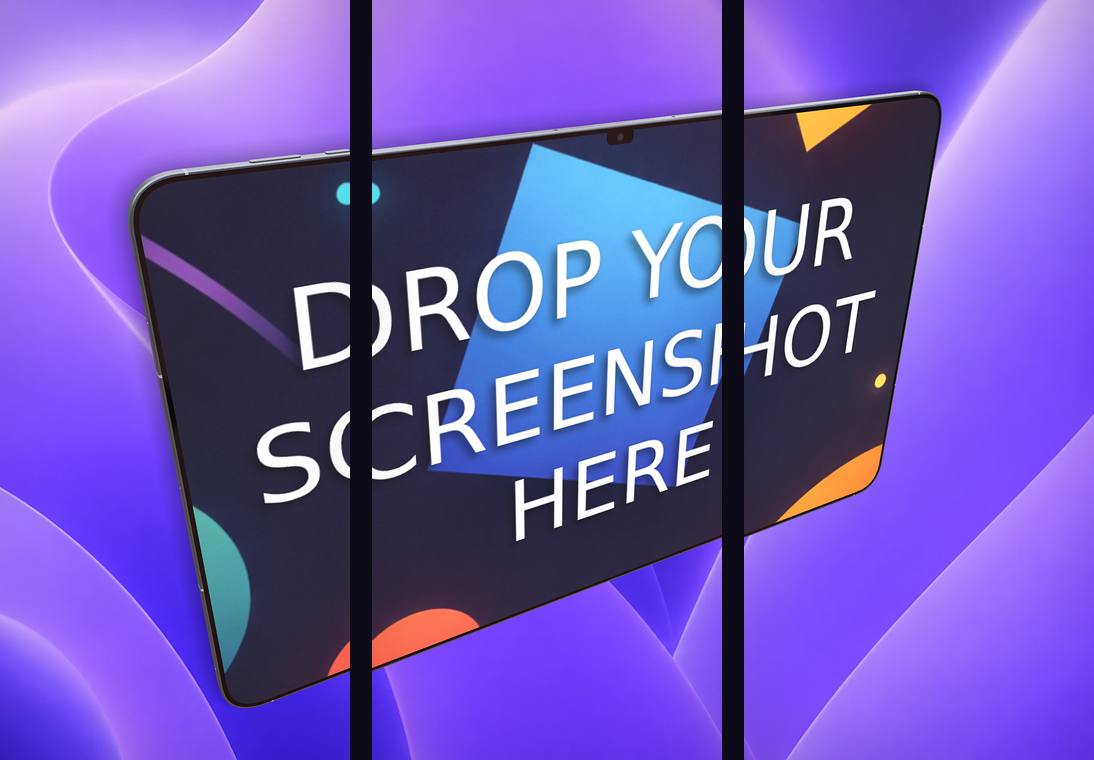
- Carousel export for connected multi-frame App Store strips.
- The newest devices built in — iPhone 17 Pro Max, iPad Pro 13″, current Android phones and tablets.
- A bundled free app icon generator for the App Store and Google Play.
Ecranify vs Rotato at a glance
| Feature | Ecranify | Rotato |
|---|---|---|
| Platform | Any browser (Win/Mac/Linux/ChromeOS) | macOS desktop app |
| Install required | No | Yes (download & install) |
| 3D device mockups | Yes | Yes |
| Animated video | Not the focus (static screenshots + icons) | Yes — a key strength |
| Pricing | Free to start, pay per export | Paid (subscription / up front) |
| Carousel export | Built in | Manual |
| App icon generator | Bundled and free | Not included |
| Learning curve | Light, screenshot-focused | Steeper, more powerful |
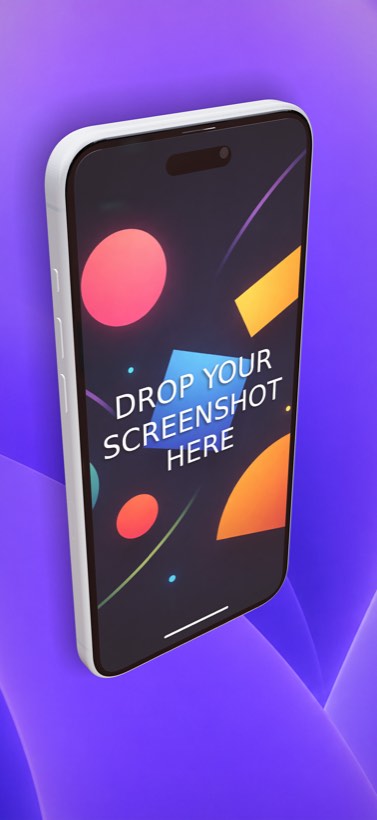
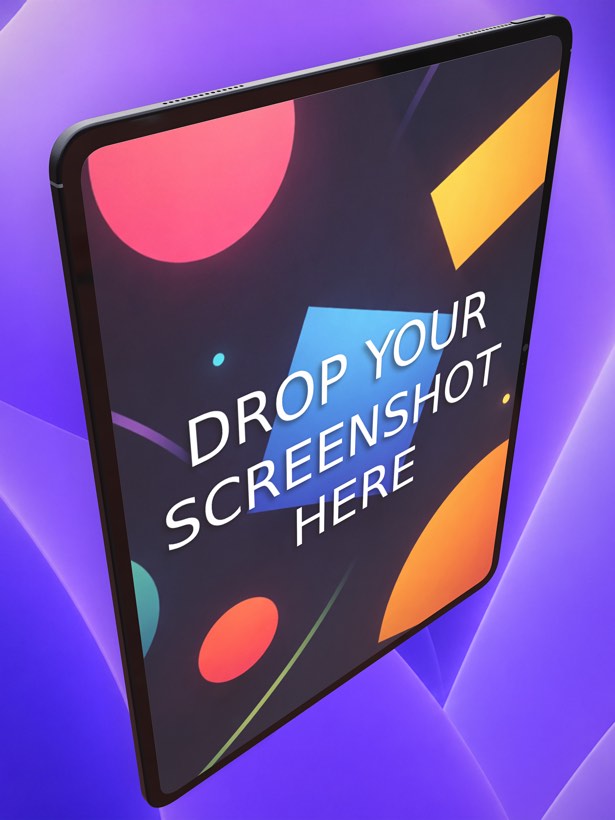
See Ecranify in action
Which one should you pick?
- Choose Rotato if you need animated product videos or the deepest possible 3D control and you are on a Mac.
- Choose Ecranify if you want fast, great-looking static store screenshots and icons in the browser, on any OS, without paying up front.
- Many indie developers use Ecranify for their store screenshots because it is free to try and there is nothing to install — you can be exporting in minutes.
Frequently asked questions
Keep exploring
Try the browser-based Rotato alternative
No Mac, no install, no up-front cost. Create 3D store screenshots in your browser and pay only when you export.