The Picasso App Screenshot Studio alternative for any computer
Picasso App Screenshot Studio is an app for iPhone, iPad and Mac that frames your screenshots, localizes them and uploads them to App Store Connect. If you work on Windows, Linux or a Chromebook, or you want rotatable 3D devices for Android as well as iPhone, Ecranify is the Picasso alternative to try: a 3D screenshot editor in the browser, free to build in, paid only when you export.
The best Picasso App Screenshot Studio alternative depends on the computer you use and on how much of your listing lives on Google Play. If you develop on a Mac, ship mostly to Apple platforms and want framing, translation and App Store Connect upload in one native app, Picasso already does that well. If you need to work outside Apple’s platforms, or want the same 3D device treatment on iPhone, iPad and Android, Ecranify is the closer fit. If you prefer a native Mac app with 3D devices and Xcode capture, our ButterKit alternative page compares another one.
Picasso is sold through the App Store by ASO Ventures LLC and runs on iPhone and iPad with iOS 18 or later, on Macs with macOS Sonoma 14.6 or later, and on Apple Vision Pro. It picks a device frame from the dimensions of each screenshot and lists more than 40 frames for iPhone, iPad, Mac and Apple Watch. Its October 2026 update (version 4.0) added Android frames for the Pixel 10 family and Pixel Tablet, 3D frames with free rotation for the iPhone 18 Pro and MacBook Pro, iPhone Duo screenshots, AI translation and Google Play exports.
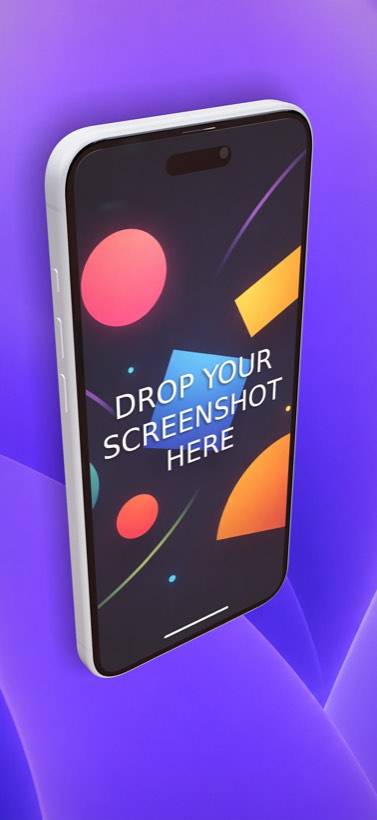
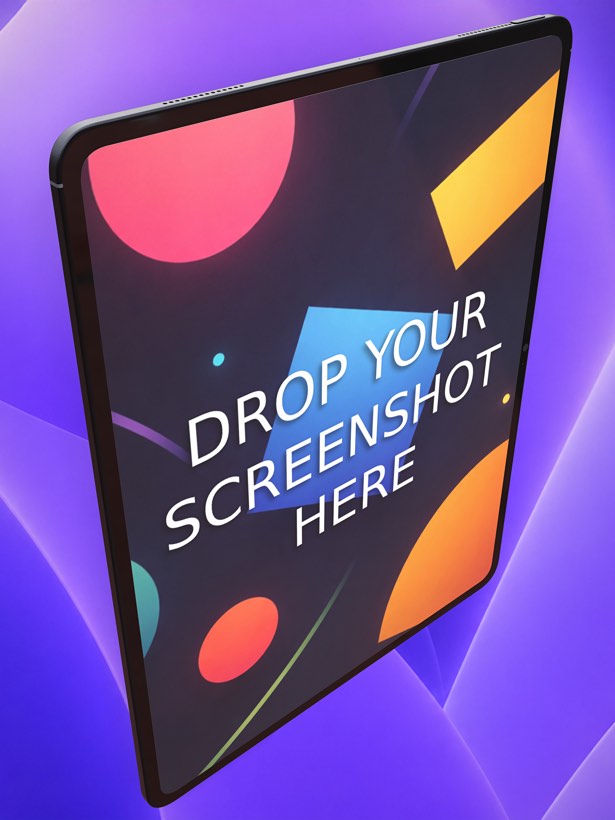
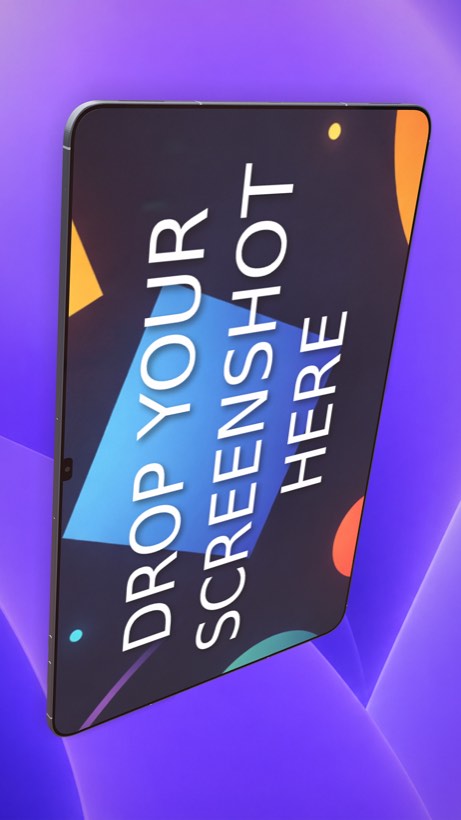
Ecranify starts from the device instead of a frame. Every phone and tablet is a parametric 3D model placed in a scene, and the editor runs in any modern browser with nothing to install. In the free Ecranify editor you can start without an account, drop in a screen image, orbit the camera, set a background and export single screenshots at App Store and Google Play preset sizes. After signing in, the full editor (also free to use) adds device rotation to any angle, adjustable lights with soft shadows, camera presets, 2D or 3D headlines, custom sizes and carousel export.
This comparison aims to be fair, and Picasso has features Ecranify does not offer. Its features and prices below come from its App Store listing and its website, checked in November 2026, and can change. Picasso can also upload Product Page Header and Search Results images for iOS 27; if you only need those files, our free App Store creative assets generator makes all three sizes in the browser.
What Picasso is genuinely good at
- A native app on every Apple device you own: iPhone, iPad and Mac, with iCloud letting you start a document on one device and continue it on another.
- Automatic framing: Picasso reads the dimensions of each screenshot and applies the matching device frame, with more than 40 frames for iPhone, iPad, Mac and Apple Watch.
- Publishing built in (Pro): with an App Store Connect API key it uploads each screenshot for each display type and locale in the right order, supports product page A/B tests and waits out App Store Connect’s hourly upload limit.
- Localization (Pro): drop in an .xcstrings file to generate screenshots in any language, or translate texts with AI, with text position and size set per language and right-to-left support.
- Design tools for full sets: templates, highlight text styles, SF Symbols, gradients and blurs, and items that span across screenshots for panoramic sets.
- Free to edit: the listing says full editing is free, with Pro and AI tokens sold as in-app purchases.
Where Ecranify is different
- Any computer, nothing to install: Ecranify runs in a modern browser on Windows, macOS, Linux and ChromeOS, with no iOS or macOS version requirement.
- Rotatable 3D models across the whole catalog: iPhone 18 Pro Max, iPhone 18 Pro, iPhone Air and iPad Pro 13″ sit next to the Pixel 10 Pro and Pixel 10 Pro XL, Samsung Galaxy S26 Ultra, Xiaomi 17 and the Galaxy Tab S11 Ultra, and each one can be turned to any angle.
- Parametric devices and lighting: adjust size, buttons, colors and materials of each model, then set the camera, lights and soft shadows per screenshot.
- Every store size from one project: iPhone 6.9″ (1320 × 2868), iPad 13″ (2064 × 2752), Google Play phone (1080 × 1920) and tablet, and the 1024 × 500 Play feature graphic, plus custom sizes in the full editor.
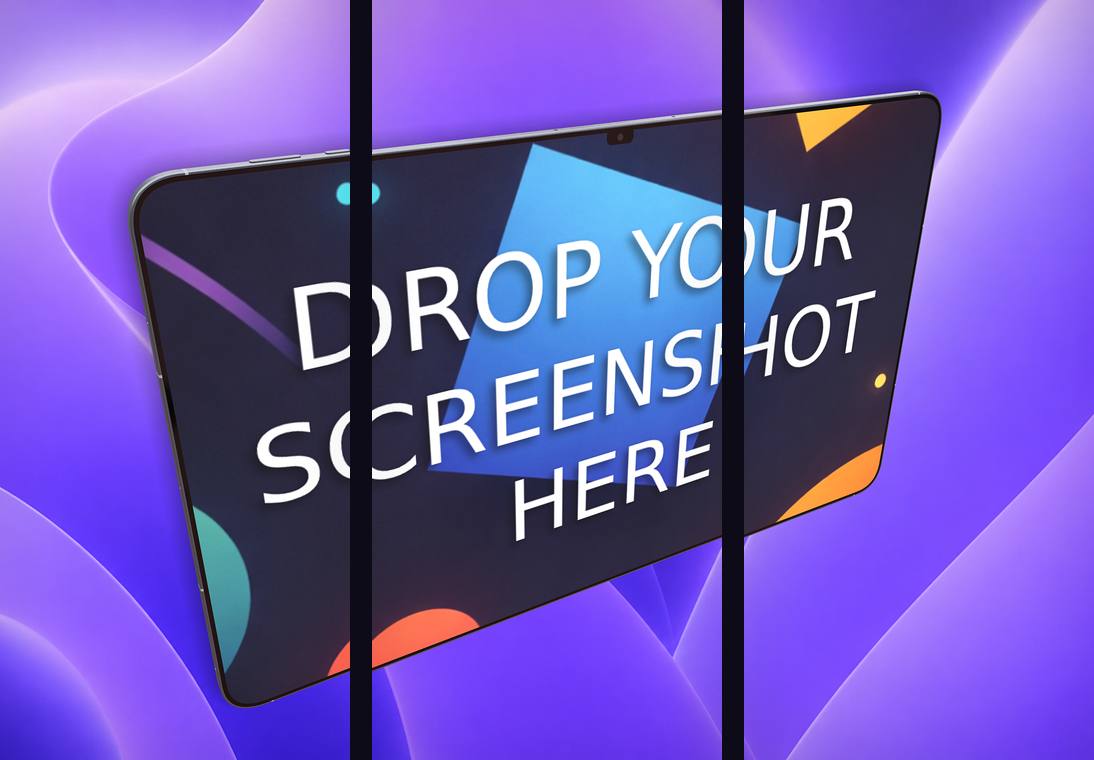
- A carousel export that slices one continuous scene into 2–5 frames for a connected set.
- No subscription: the editor is free, and credit packs (from $9.99 for 20 credits) are bought only when you export finished images. Credits never expire.
Ecranify vs Picasso at a glance
| Feature | Ecranify | Picasso |
|---|---|---|
| Platform | Any browser (Win/Mac/Linux/ChromeOS) | iPhone and iPad (iOS 18+), Mac (macOS 14.6+), Apple Vision Pro |
| Device rendering | Parametric 3D models, free rotation, camera and lighting control | Device frames chosen automatically; 3D with free rotation for iPhone 18 Pro and MacBook Pro |
| Android devices | Pixel, Samsung Galaxy and Xiaomi phones plus an Android tablet, all in 3D | Pixel 10, 10 Pro, 10 Pro XL, 10a and Pixel Tablet frames |
| Other Apple devices | iPhone and iPad only | Also Mac and Apple Watch |
| Localization | Manual (one scene per language) | .xcstrings import and AI translation (Pro) |
| App Store Connect upload | No — download and upload yourself | Yes, with an API key (Pro) |
| Pricing | Editor free; credit packs from $9.99, no subscription | Free to edit; Pro passes from $2.99 a week to $199.99 lifetime; AI tokens extra |
See Ecranify in action
Which one should you pick?
- Choose Picasso if you work on a Mac, iPhone or iPad, ship mainly to Apple platforms (including Mac or Apple Watch) and want framing, localization and App Store Connect upload in one app.
- Choose Ecranify if you work on Windows, Linux or a Chromebook, share the work with someone who does, or want rotatable 3D phones and tablets for Google Play as well as for the App Store.
- You can also combine them: build hero shots with a 3D Android device or custom lighting in the free Ecranify editor, and keep uploading the finished set wherever your pipeline already lives.
Frequently asked questions
Keep exploring
Try the Picasso alternative free
Build a 3D App Store or Google Play screenshot in your browser, on any computer. The editor is free — pay only when you export.