The Nuvex alternative for iPhone, iPad and Android screenshots
Nuvex turns your app screens into a finished set of portrait iPhone screenshots, with every frame drawn by an AI image model. If you need iPad or Google Play screenshots too, or you want to direct each shot around a real 3D device yourself, Ecranify is the Nuvex alternative to try: a 3D screenshot editor in the browser, free to build in, paid only when you export.
The best Nuvex alternative depends on why you are looking. If you like that an AI designs the whole set and only want a different generator, our ScreenFast alternative page compares another AI tool built around iPhone screenshots. If your listing also needs iPad or Android sets, or you want to decide the angle, light and copy of every screenshot yourself, Ecranify is built for that.
Nuvex works from uploaded app screens. Its about page says one AI model plans the set and an image model paints each frame, with no template underneath, and that headlines can be written in 21 languages. The output is portrait iPhone screenshots at 1320 × 2868, the largest iPhone size App Store Connect accepts. Nuvex states plainly that there are no iPad or landscape sets yet and that it is not built for iPad-only or Android-only listings.
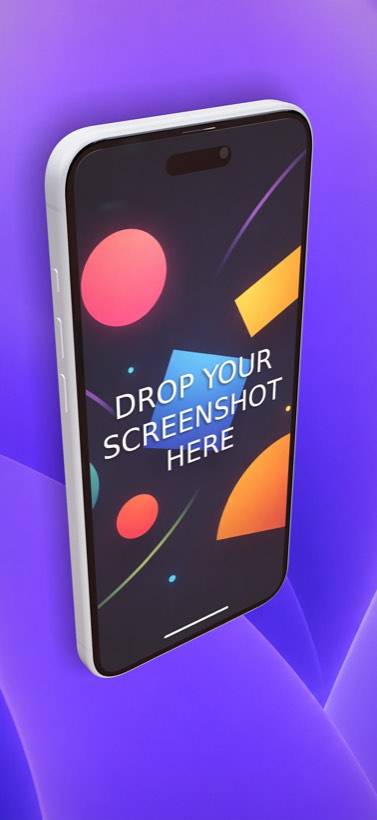
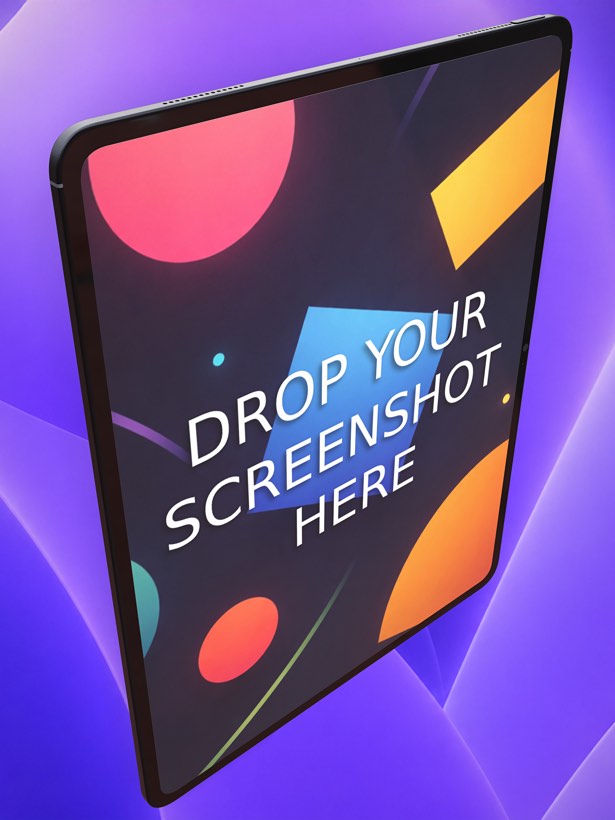
Ecranify starts from the device instead. Every phone and tablet is a parametric 3D model placed in a scene. In the free Ecranify editor you can start without an account, drop in a screen image, set a background and export single screenshots at App Store and Google Play preset sizes. After signing in, the full editor (also free to use) adds device rotation to any angle, adjustable lights with soft shadows, camera presets, 2D or 3D headlines, custom sizes and carousel export.
One size detail matters for an iPhone-only set. Apple’s screenshot specifications list iPhone with Dynamic Island (medium display), 1206 × 2622 or 1179 × 2556 pixels, as the required iPhone slot, while 1320 × 2868 belongs to the large display class. Our App Store screenshot size guide lists which slots are required and which are optional. Nuvex’s features and prices below come from its own website, checked in November 2026, and can change.
What Nuvex is genuinely good at
- Finished sets from plain captures: upload your app screens and the AI plans the story and draws each frame, so there is nothing to lay out by hand.
- Prompt-based edits: you can change a single frame instead of regenerating the set. An edit costs the same credits as a new frame.
- Headlines in 21 languages, written by the AI as part of the set.
- A quality choice per frame: Low, Medium or High generation, at 2, 3 or 7 credits a frame. Nuvex’s pricing page puts a five-frame set at Medium at 15 credits, “about a dollar a set”.
- Flexible payment: 6 free credits to try it, one-time credit packs that never expire (25 credits for $5, 75 for $12, 200 for $25), or subscriptions from $8 a month billed yearly.
Where Ecranify is different
- iPad and Google Play from the same project: presets for iPhone 6.9″ (1320 × 2868), iPad 13″ (2064 × 2752), Google Play phone (1080 × 1920) and tablet, and the 1024 × 500 Play feature graphic, plus custom sizes such as 1206 × 2622 in the full editor.
- Real 3D devices you control: iPhone 18 Pro Max, iPhone 18 Pro, iPhone Air and iPad Pro 13″ sit next to the Pixel 10 Pro and Pixel 10 Pro XL, Samsung Galaxy S26 Ultra, Xiaomi 17 and the Galaxy Tab S11 Ultra, and each one can be rotated to any angle.
- Your real interface stays exact: your screen image is placed on the 3D display as you uploaded it, and the headlines are text you type and position yourself, as 2D or 3D text.
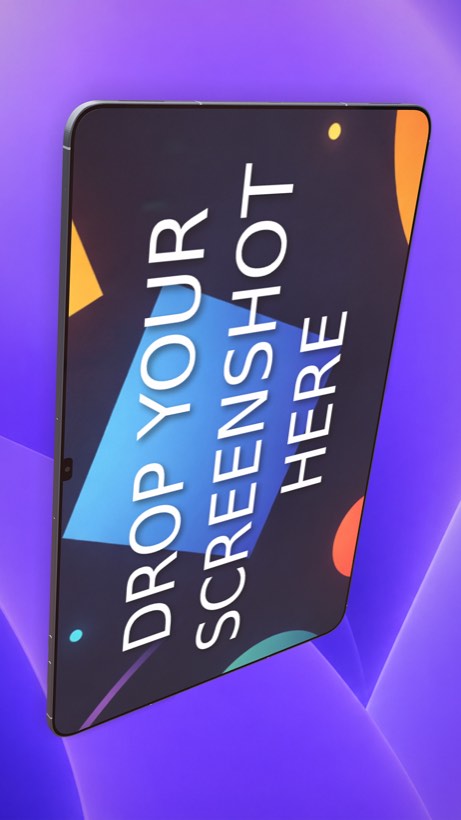
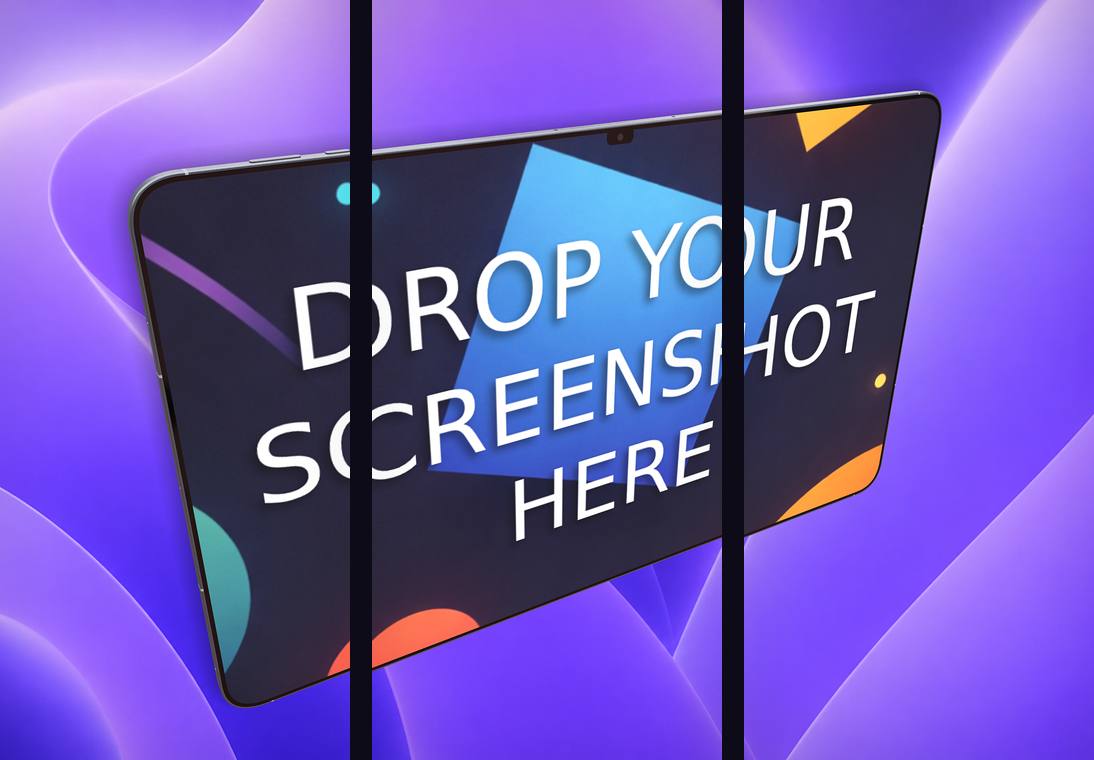
- Landscape and connected sets: rotate a device into landscape, or use the carousel export to slice one continuous scene into 2–5 frames.
- No subscription: the editor is free, and credit packs (from $9.99 for 20 credits) are bought only when you export finished images. Credits never expire.
Ecranify vs Nuvex at a glance
| Feature | Ecranify | Nuvex |
|---|---|---|
| How you design | Build each scene by hand in a 3D editor | AI plans the set and draws each frame; edit frames with prompts |
| Device rendering | Parametric 3D models, free rotation, camera and lighting control | Portrait iPhone frames drawn by the image model |
| Platforms covered | iPhone, iPad and Android phones and tablets | Portrait iPhone only; no iPad or landscape sets yet |
| Output sizes | App Store and Google Play presets, feature graphic, custom sizes | 1320 × 2868 |
| Headlines | Written by you, as 2D or 3D text; no built-in translation | AI-written, in 21 languages |
| Free use | Editor free; free editor works without an account | 6 free credits, watermarked previews, Low quality only, no HD downloads |
| Pricing | Credit packs from $9.99, no subscription | Packs from $5 for 25 credits; Starter $8/mo and Pro $19/mo billed yearly |
See Ecranify in action
Which one should you pick?
- Choose Nuvex if your app is iPhone-only, you want an AI to produce the whole set with headlines from plain captures, and a few dollars of credits per set suits your budget.
- Choose Ecranify if your listing needs iPad or Google Play screenshots, you want the same 3D device treatment across iPhone and Android, or you would rather control the angle, light and every word on the image yourself.
- You can also combine them: use a generated set to settle the story and screen order, then build the iPad, Android and hero shots in the free Ecranify editor.
Frequently asked questions
Keep exploring
Try the Nuvex alternative free
Build a 3D App Store or Google Play screenshot in your browser. The editor is free — pay only when you export.