The AppDrift alternative for 3D App Store screenshots
AppDrift is an ASO workspace for keyword tracking, AI listing copy, translation and store monitoring, with a screenshot editor included. If what you actually need is the screenshots, with real 3D iPhone, iPad and Android devices you can rotate and light yourself, Ecranify is the AppDrift alternative to try: a 3D screenshot editor in the browser, free to build in.
The best AppDrift alternative depends on which half of AppDrift you use. If you rely on its keyword rankings, AI-drafted titles and descriptions, 60+ language translation and review replies, look at other ASO suites: Ecranify does none of that. If you came to AppDrift for the screenshots and want more control over how the devices look, Ecranify is built for exactly that job.
AppDrift covers the App Store and Google Play in the browser. Its own site lists daily keyword ranks in 60+ storefronts, AI listing drafts, translation, competitor analysis, metadata A/B testing, alert rules for listing and review changes, and an API with an MCP server on eligible paid plans. The screenshot editor has presets for iPhone, iPad and Android phones and tablets, templates (one free design plus Pro collections on higher plans), 3D iPhone frames and exports at store sizes without a watermark. An AI generator can build a whole set from a brief and 3–8 of your real screens.
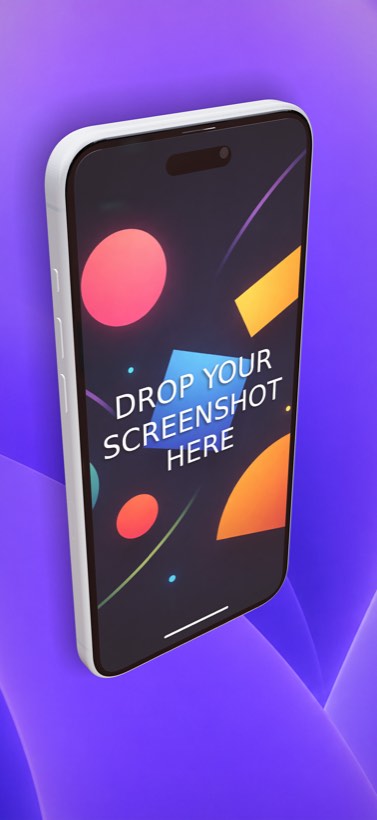
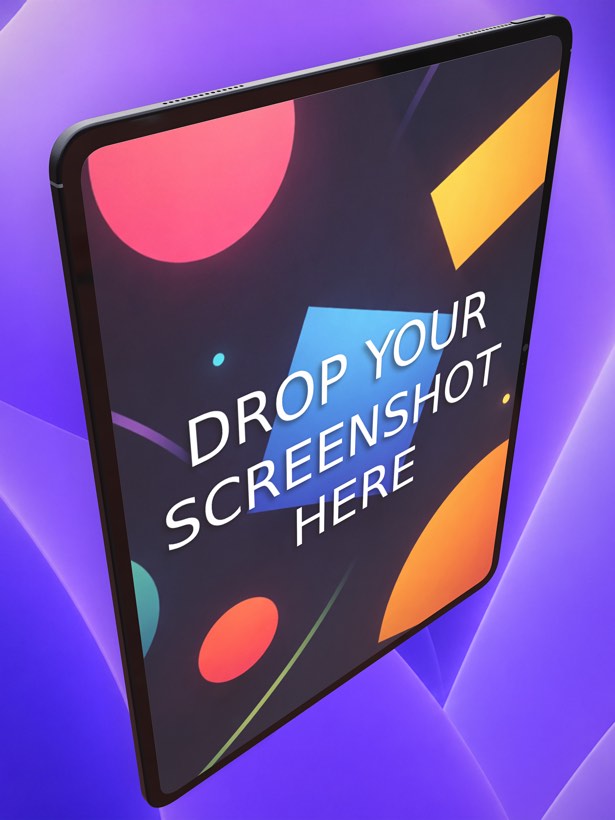
Ecranify is a 3D editor that runs in the browser. Every phone and tablet is a parametric 3D model, not a flat frame: in the free Ecranify editor you can start without an account, drop in a screen image, orbit the camera and set a background. After signing in, the full editor (also free) adds device rotation, adjustable lights with soft shadows, camera presets and 2D or 3D headlines. You pay only when you export finished images.
This comparison aims to be fair, and AppDrift does far more than screenshots. Its features and prices below come from AppDrift’s own website, checked in October 2026, and can change. Whichever tool you pick, our App Store screenshot sizes guide lists the sets Apple currently requires, and the Google Play screenshot requirements guide covers the Play Console rules.
What AppDrift is genuinely good at
- One place for ASO work: daily keyword ranks in 60+ storefronts with difficulty and popularity scores, competitor ranks and a weekly action plan across your apps.
- Listing copy: AI drafts of titles, subtitles, descriptions and keyword fields from your app brief, plus translation into 60+ languages with per-market keyword research.
- Screenshots without design work: templates, an AI generator that builds a campaign from 3–8 real screens, caption translation at 1 AI token per language and a ZIP download of all selected sizes and languages.
- Store updates: reviewed metadata goes out through connected App Store Connect and Google Play accounts, and paid plans upload screenshot sets to an App Store Connect draft version.
- Monitoring: alert rules for listing, screenshot, rating, rank and review changes, checked about every four hours, with review-reply drafts in the reviewer’s language.
- A free plan with one app, five tracked keywords, 50 AI tokens once and unwatermarked screenshot exports with an account.
Where Ecranify is different
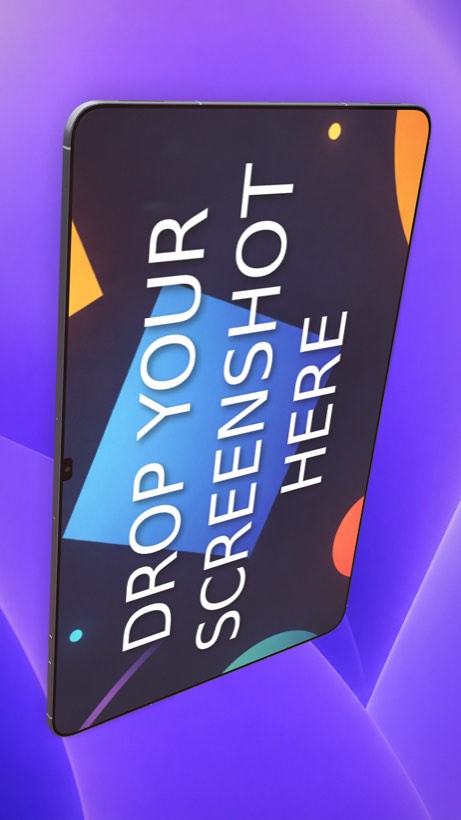
- Real 3D devices on every platform: iPhone 18 Pro Max, iPhone Air and iPad Pro 13″ sit next to the Pixel 10 Pro and Pixel 10 Pro XL, Samsung Galaxy S26 Ultra, Xiaomi 17 and the Galaxy Tab S11 Ultra, all as 3D models.
- Hands-on scenes instead of templates: rotate the device freely, set the camera, move the lights and soft shadows, and place 2D or 3D headlines per screenshot.
- Parametric devices: adjust the size, buttons, colors and materials of each model when you need a specific look.
- Store presets from one project: iPhone 6.9″ (1320 × 2868), iPad 13″ (2064 × 2752), Google Play phone (1080 × 1920) and tablet, and the 1024 × 500 Play feature graphic, plus custom sizes up to 3840 px.
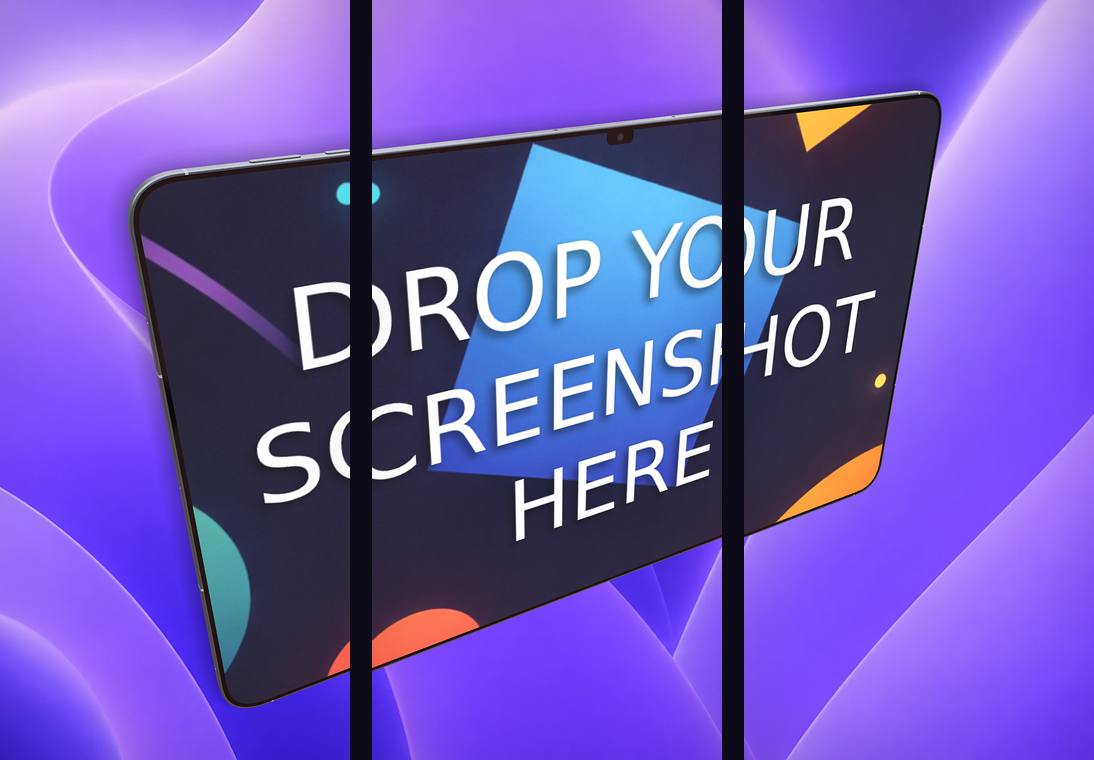
- A carousel export that slices one continuous scene into 2–5 frames for a connected set.
- No subscription: the editor is free, and credit packs (from $9.99 for 20 credits) are bought only when you export. Credits never expire.
Ecranify vs AppDrift at a glance
| Feature | Ecranify | AppDrift |
|---|---|---|
| Main job | Designing 3D store screenshots | ASO workspace with a screenshot editor |
| Device rendering | Parametric 3D models, free rotation, camera and lighting control | Device frames and templates; 3D iPhone frames |
| Android devices | 3D Pixel, Samsung Galaxy and Xiaomi phones plus an Android tablet | Android phone and tablet presets |
| Keyword tracking and listing copy | No | Yes, 60+ storefronts; AI drafts |
| Localization | Manual (one scene per language) | Per-language captions; AI translation at 1 token per language |
| App Store Connect upload | No — download and upload yourself | Yes on paid plans (to a draft version) |
| Pricing | Editor free; credit packs from $9.99, no subscription | Free plan; Basic $14.99/mo, Indie $29/mo, Studio $59/mo |
See Ecranify in action
Which one should you pick?
- Choose AppDrift if you want keyword tracking, AI listing copy, translation, monitoring and screenshots in one subscription, and template-based screenshots are good enough for your listing.
- Choose Ecranify if the screenshots themselves are what you are trying to improve: hero shots with a tilted, lit 3D device, the same look on Android phones and tablets, or a connected carousel, without paying a monthly fee.
- You can also combine them: keep AppDrift for keywords and metadata, build the screenshots in the free Ecranify editor, and upload the exported images yourself.
Frequently asked questions
Keep exploring
Try the AppDrift alternative free
Build a 3D App Store or Google Play screenshot in your browser. The editor is free — pay only when you export.