The AppLaunchpad alternative for real 3D App Store screenshots
AppLaunchpad is a template-first screenshot generator with a large library, preset device angles and AI translation. If you would rather build each store screenshot as a 3D scene, with the device at any angle and your own lighting, Ecranify is the AppLaunchpad alternative to try: a 3D editor in the browser, free to build in, with no subscription.
The right AppLaunchpad alternative depends on what you want to change. If you like starting from a ready-made template and need your screenshots translated into many languages, AppLaunchpad already does that well, and another template tool will feel similar. If you want the device itself to be a real 3D model you can rotate, frame and light for every screenshot, Ecranify is built for that job.
AppLaunchpad is a browser-based generator for App Store and Google Play screenshots. You upload your app screens, pick one of more than 1,000 templates, edit text and backgrounds, and export the sizes each store asks for. Its own pages describe more than 80 3D device templates with 20 preset angles, support for over 150 devices, panoramic layouts, AI-powered resizing between screen sizes and one-click localization into 80+ languages.
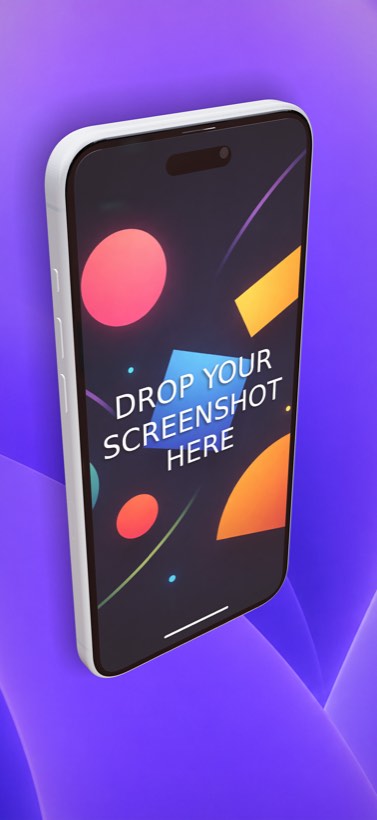
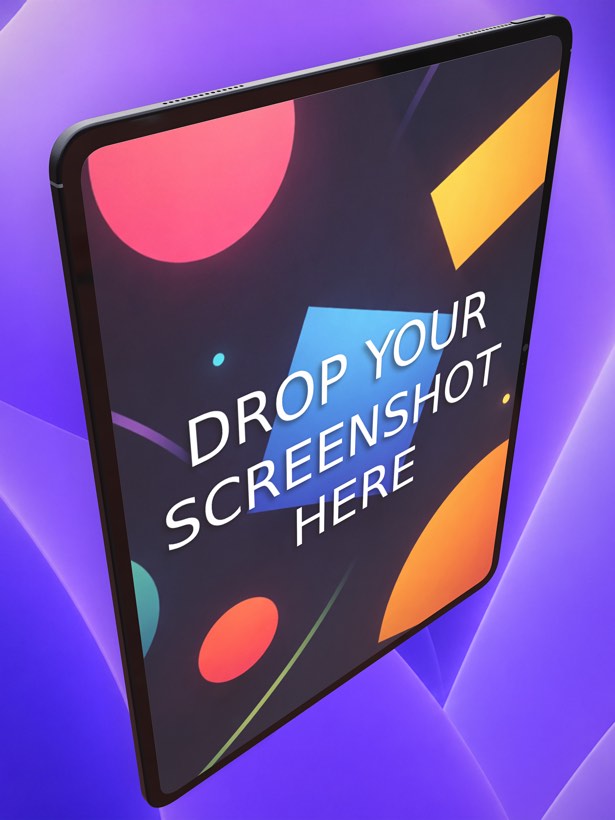
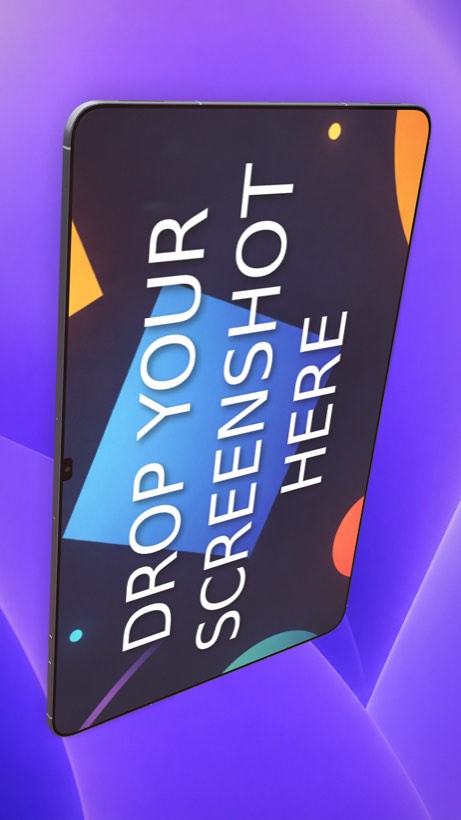
Ecranify starts from the device instead of the template. Each phone or tablet is a parametric 3D model placed in a scene, so the angle is wherever you leave the camera rather than one of a fixed set. In the free Ecranify editor you can start without an account, drop in a screen image, orbit the camera and set a background. After signing in, the full editor (also free) adds device rotation, adjustable lights with soft shadows, camera presets and 2D or 3D headlines. You pay only when you export finished images.
This comparison aims to be fair: AppLaunchpad is a mature product and for many teams it is the faster choice. Its features and prices below come from AppLaunchpad’s own website and help center, checked in October 2026, and can change. If you are weighing several template tools, our AppMockUp alternative comparison covers another popular option.
What AppLaunchpad is genuinely good at
- Speed from a template: more than 1,000 pre-built screenshot templates across app categories, so a complete set can come together quickly.
- Localization at scale — AI translation into 80+ languages that keeps the layout of each screenshot intact.
- Resizing between devices: AI-powered auto-resizing and cloning a whole project to other screen sizes.
- A large asset library of icons, illustrations, fonts and backgrounds, plus panoramic layouts that run across several screenshots.
- Wide device coverage — AppLaunchpad says it supports more than 150 devices, with 3D-style templates at 20 preset angles.
Where Ecranify is different
- A real 3D scene instead of preset angles: rotate the device freely, move the camera, and set the lighting and shadows for each screenshot.
- Parametric devices you can tune — size, screen features, buttons, colors and materials — so the mockup matches the hardware you target.
- Current Apple and Android devices, including the iPhone 18 Pro Max, iPad Pro 13″, Pixel 10 Pro XL and Samsung Galaxy S26 Ultra.
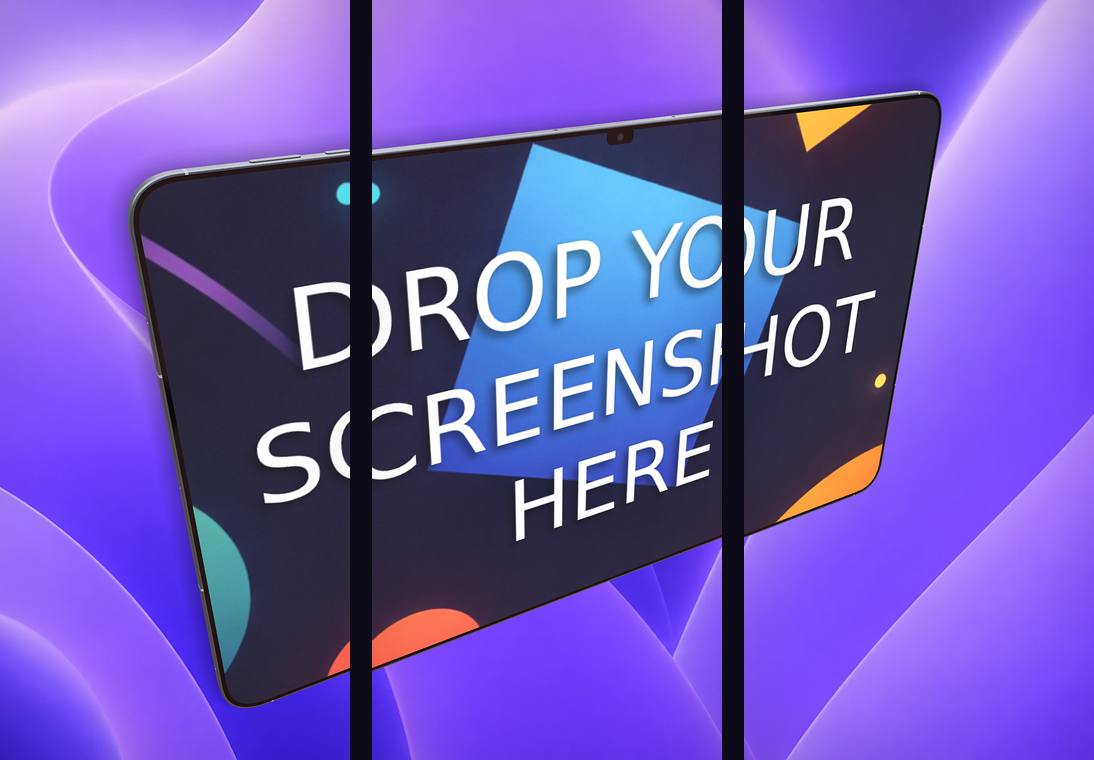
- Store export presets built in — iPhone 6.9″ (1320 × 2868), iPad 13″ (2064 × 2752), Google Play phone and tablet, and the 1024 × 500 Play feature graphic — plus a carousel export that slices one continuous scene into 2–5 frames.
- No subscription: the editor is free, and you buy credit packs (from $9.99) only when you export finished images. Credits never expire.
- Free companion tools in the same place: an App Store and Google Play icon generator, a QR code generator, an image converter and a video-to-GIF converter.
Ecranify vs AppLaunchpad at a glance
| Feature | Ecranify | AppLaunchpad |
|---|---|---|
| Runs in the browser | Yes — nothing to install | Yes — nothing to install |
| Starting point | A 3D device in an empty scene | A library of 1,000+ templates |
| Device rendering | Real 3D model, free rotation, camera and lighting control | Device frames, incl. 3D-style templates at 20 preset angles |
| Localization | Manual (one scene per language) | Built in, AI translation into 80+ languages |
| Multi-screenshot layouts | Carousel export, 2–5 frames from one scene | Panoramic layouts |
| Device customization | Parametric — size, features, materials | Choose a device and frame style |
| Free option | Full editor free; pay only to export | Free tier |
| Paid pricing | Credit packs from $9.99, no subscription | Pro $29/month or $180/year; Enterprise $360/year |
See Ecranify in action
Which one should you pick?
- Choose AppLaunchpad if you want to start from a finished template, ship in many languages without rebuilding each set, and keep a large library of icons, illustrations and layouts in one subscription.
- Choose Ecranify if the device shot is what should make your listing stand out: your own camera angle, lighting and shadows, current devices and carousel strips, without paying monthly.
- You do not have to decide up front. Because the Ecranify editor is free, you can build one 3D scene, compare it with the set you already have, and only pay if you export it.
Frequently asked questions
Keep exploring
Try the AppLaunchpad alternative free
Build a 3D App Store or Google Play screenshot in your browser. The editor is free — pay only when you export.