The Previewed alternative with a real 3D editor
Previewed is a friendly, template-driven way to make app screenshots quickly. Ecranify gives you the same fast start plus a real 3D editor — camera, rotation, lighting and shadows — for when you want more control, still free to start and pay only per export.
Previewed is popular for good reason: it is approachable, has nice templates, and gets non-designers to a decent app screenshot fast. If you want something simple and quick, it delivers.
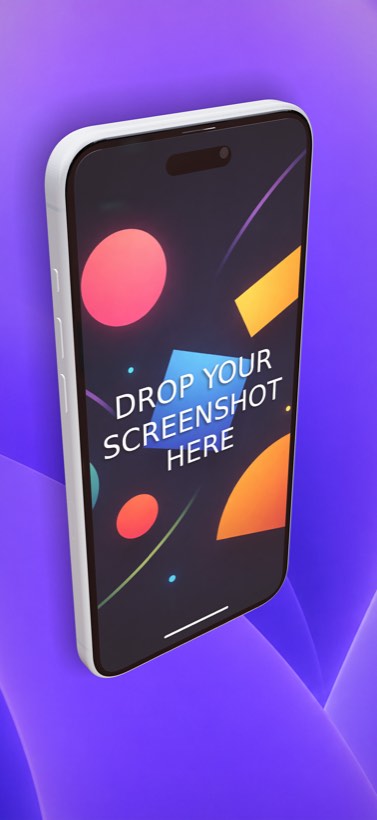
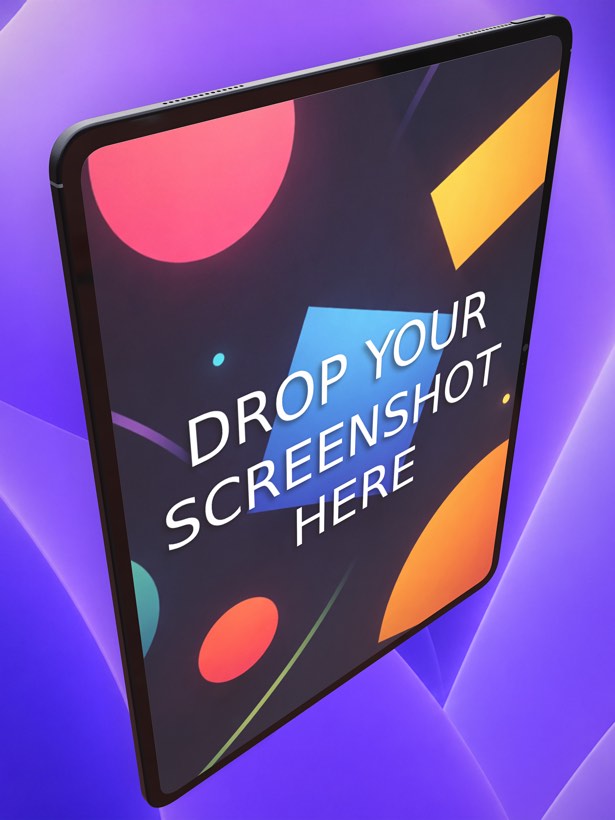
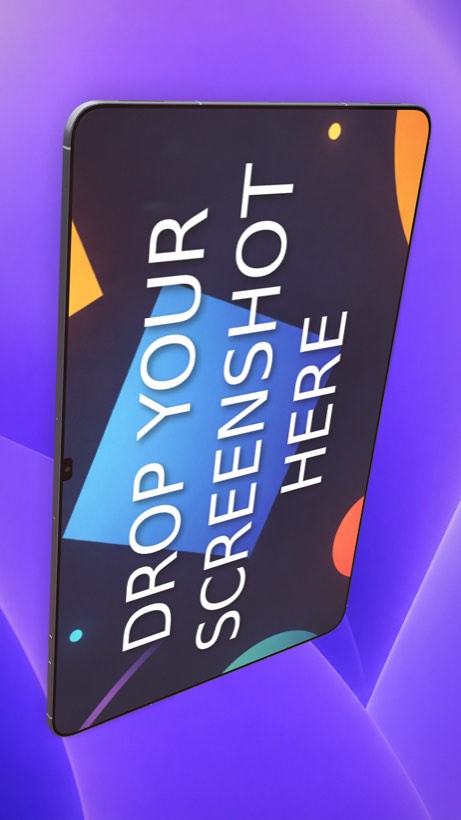
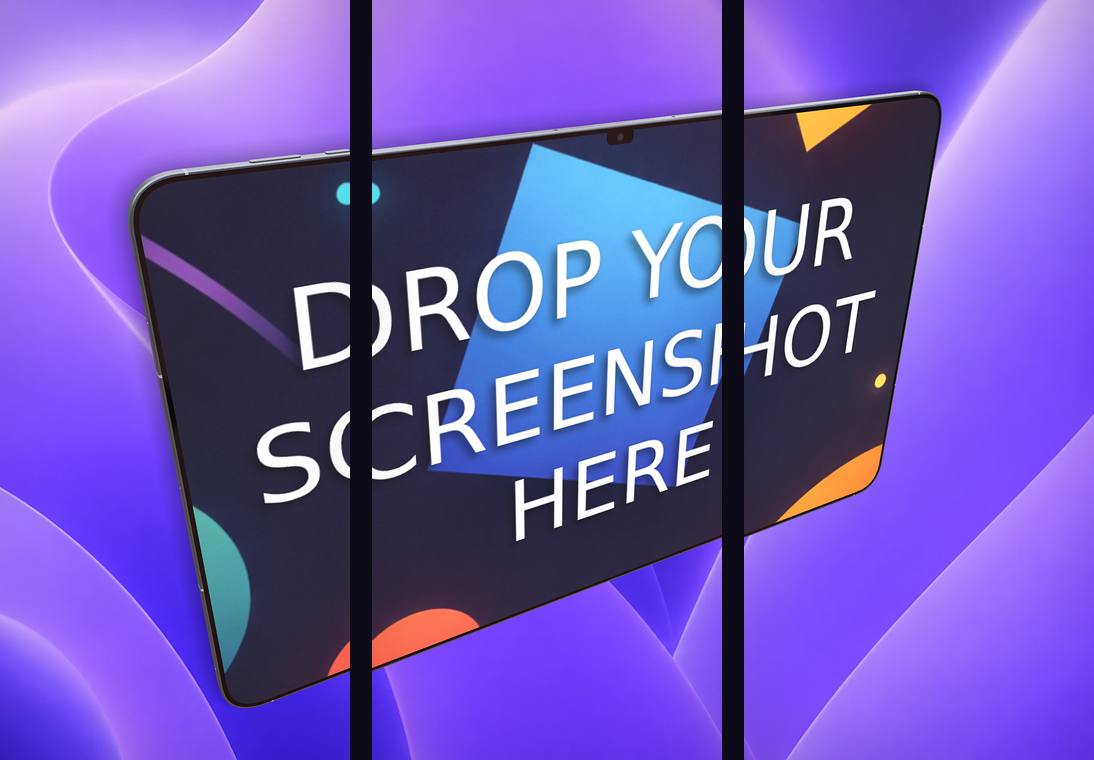
Ecranify shares that goal — you can start from a preset and export in minutes — but adds a genuine 3D editor underneath. When a template is not quite enough, you can rotate the device, move the camera, adjust lighting and shadows, and fine-tune every element instead of being limited to what the template allows.
Below is a fair comparison: what Previewed is great at, and where Ecranify gives you more room to customize. For another template-driven option, see how Ecranify compares as a Screenhance alternative.
What Previewed is genuinely good at
- Beginner-friendly and quick — great for non-designers.
- A nice set of ready-made templates to start from.
- Clean, simple interface that does not overwhelm.
- Good for getting a decent set of screenshots done fast.
- Web-based, so there is nothing heavy to install.
Where Ecranify is different
- A real 3D editor: rotate the device freely, move the camera, and control lighting and shadows — not just fixed template angles.
- Deeper customization of text (2D and 3D), backgrounds (gradient or image), custom logos/decals and layout.
- The newest devices, including the iPhone 17 Pro Max (6.9″) and iPad Pro 13″.
- Carousel export for connected multi-frame store strips.
- A bundled free app icon generator for the App Store and Google Play.
- Free to start with a pay-per-export model and no subscription.
Ecranify vs Previewed at a glance
| Feature | Ecranify | Previewed |
|---|---|---|
| Runs in the browser | Yes | Yes |
| Ease of getting started | Presets + quick start | Very easy, template-first |
| 3D camera & rotation control | Full 3D editor | Limited / template-based |
| Lighting & shadow control | Yes | Limited |
| Customization depth | Deep (text, decals, backgrounds, layout) | Simpler |
| Carousel export | Built in | Limited |
| App icon generator | Bundled and free | Not the focus |
| Pricing model | Free to start, pay per export | Freemium / paid tiers |
See Ecranify in action
Which one should you pick?
- Choose Previewed if you want the simplest possible template-driven flow and do not need custom 3D angles.
- Choose Ecranify if you want that same quick start but with a real 3D editor to customize angle, lighting and layout when you need to.
- Because Ecranify is free to try, you can start from a preset like Previewed and only reach for the deeper controls when a particular screenshot needs them.
Frequently asked questions
Keep exploring
Try the Previewed alternative free
Start from a preset, then customize in a real 3D editor. Free to start — pay only when you export.